The Rosetta Countdown: Why Your Legacy Quicken for Mac Will Stop Working (and How to Avoid the Subscription Trap)
Don't get forced into a yearly software tax. Learn why legacy Quicken versions are expiring on modern Macs and how you can switch to My Financials to keep your data private and subscription-free.
If you are still running an older, non-subscription version of Quicken on your Mac, a major shift is coming to the Apple ecosystem that will directly impact how you track your money.
With Apple’s release of macOS 27 (Golden Gate), the clock has officially started ticking for legacy software. This update marks the final version of macOS to include Rosetta translation support.
What is Rosetta?
Rosetta is the invisible background part of macOS that allows your Mac to run older software built for legacy, Intel-based Apple computers. When Apple introduced its modern, lightning-fast Apple Silicon chips (like the M1, M2, or M3) in modern Macs, Rosetta worked behind the scenes to keep older applications running. You can read more about how this translation works on the official Apple Support Guide to Rosetta.
The end of Rosetta is a clear sign that it's time to upgrade to a modern financial application. You shouldn't be locked into a mandatory, never-ending billing cycle just to access your own data. With My Financials, you get software built natively for today's Macs, with the freedom to choose a subscription or simply pay once for a lifetime option and own your financial future forever.
However, according to documented timelines on the Wikipedia macOS Version History Tracker, Rosetta support will be removed completely when the next major operating system (macOS 28) arrives next year. For everyday users holding onto classic, standalone versions of Quicken, your software is about to hit a hard wall. Once you update your Mac past macOS 27, those older apps will completely fail to launch.
Which Versions of Quicken Are Affected?
Any version of Quicken for Mac built as an Intel-only application requires Rosetta to run on modern Mac hardware. Because Quicken did not update its software to run natively on modern Apple chips until Version 6.0 in late 2020, a wide range of popular standalone versions are directly affected.
If you are using any of these older, non-subscription versions, they will stop working:
- Quicken 2017
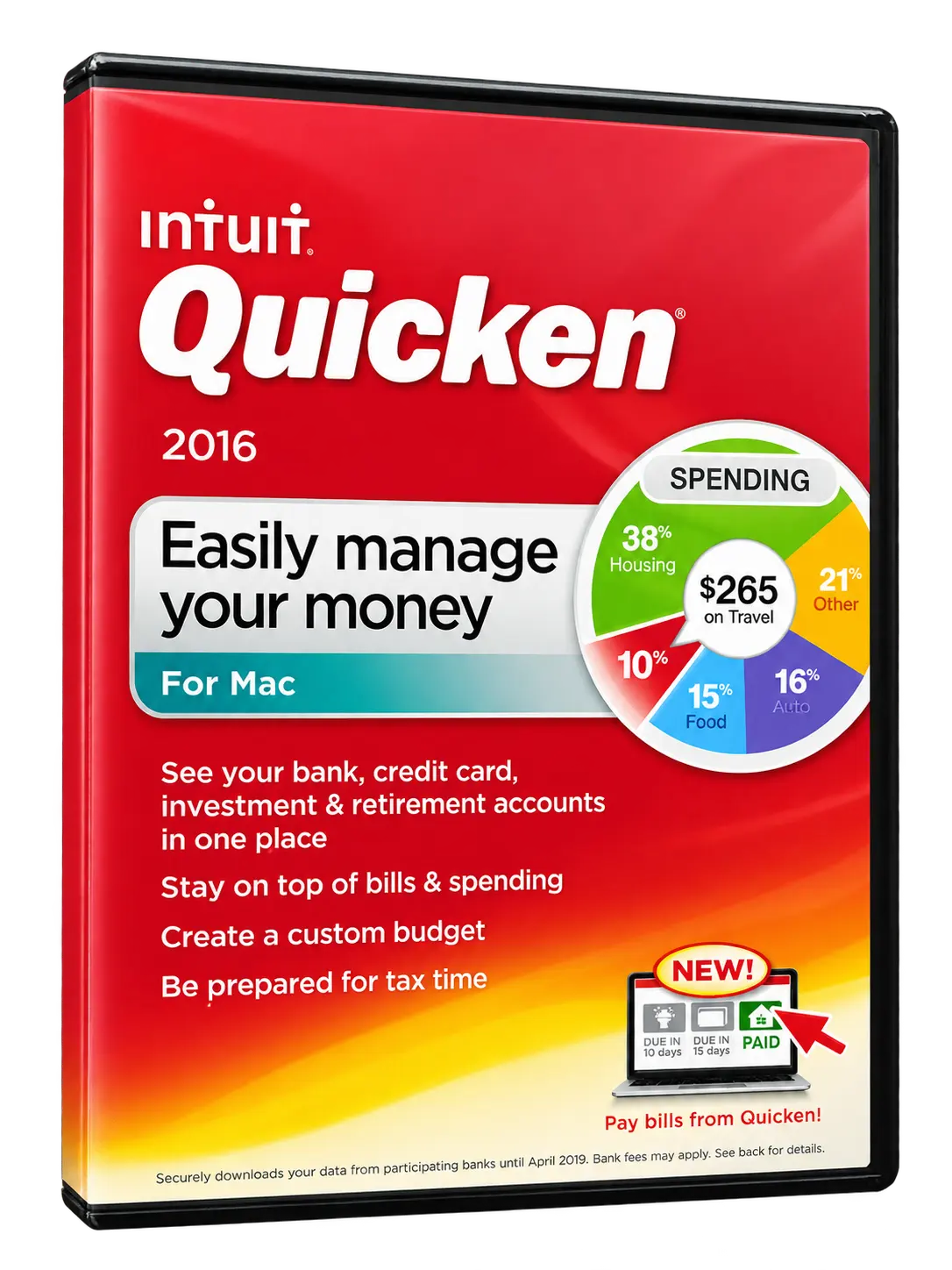
- Quicken 2016
- Quicken 2015 (including Version 2.9.7)
- Quicken 2007 (and all older versions built for Intel processors)
The Quicken Dilemma: Forced Subscriptions
Quicken discontinued all standalone, non-subscription software products years ago. As detailed on the Quicken Support Portal, they have made their stance clear: they will not be updating these legacy versions to run on newer Mac systems.
If you want to stay within their ecosystem after the Rosetta shutdown, Quicken leaves you with only one path: you must abandon your standalone software and upgrade to their annual subscription model (Quicken Classic). This means paying a recurring fee every single year just to access your own financial data.
Meet My Financials: The Personal Finance App for Apple Users!
You shouldn’t have to pay a never-ending subscription tax just to look at your bank balances, track your expenses, and manage your budget.
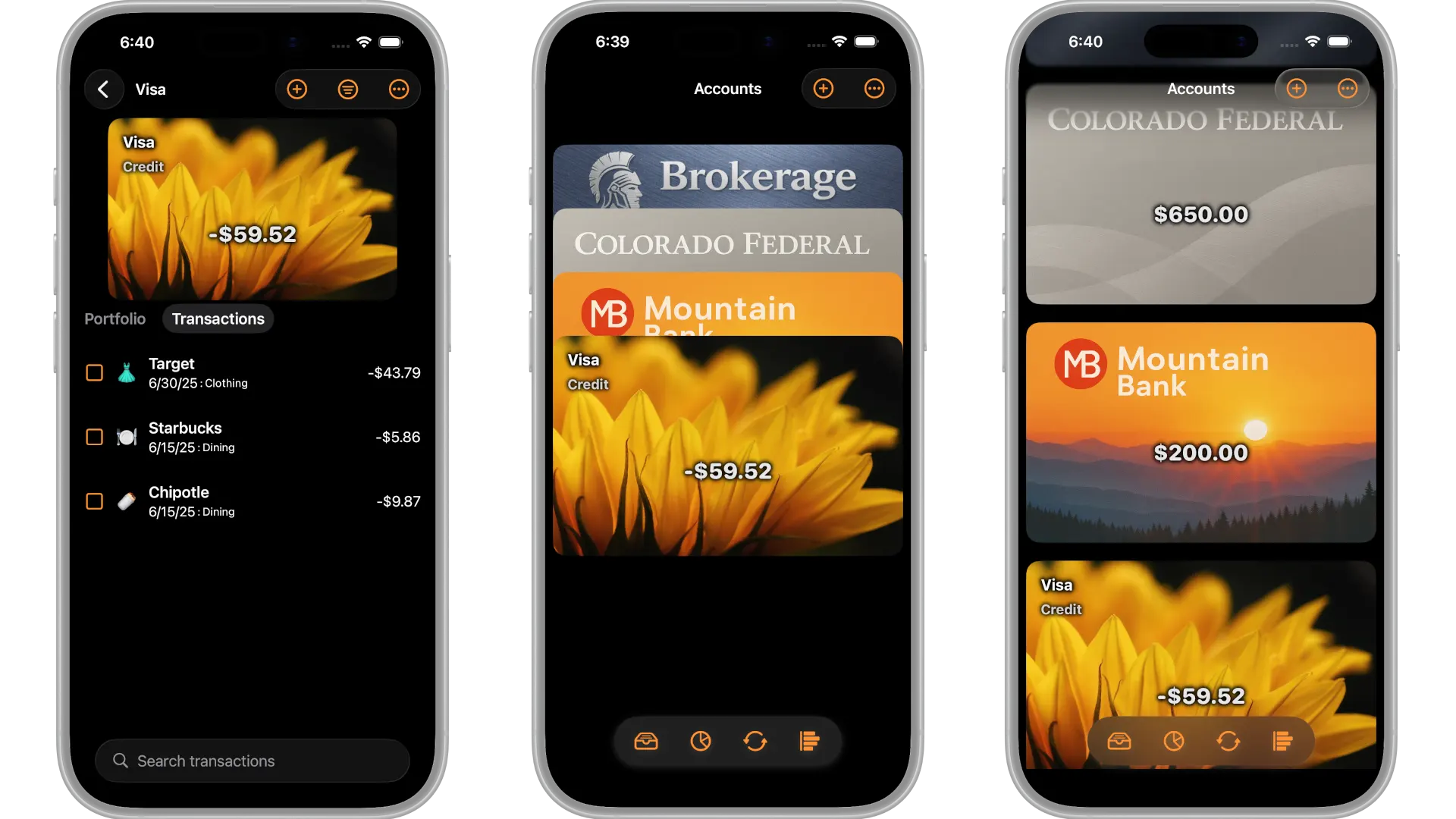
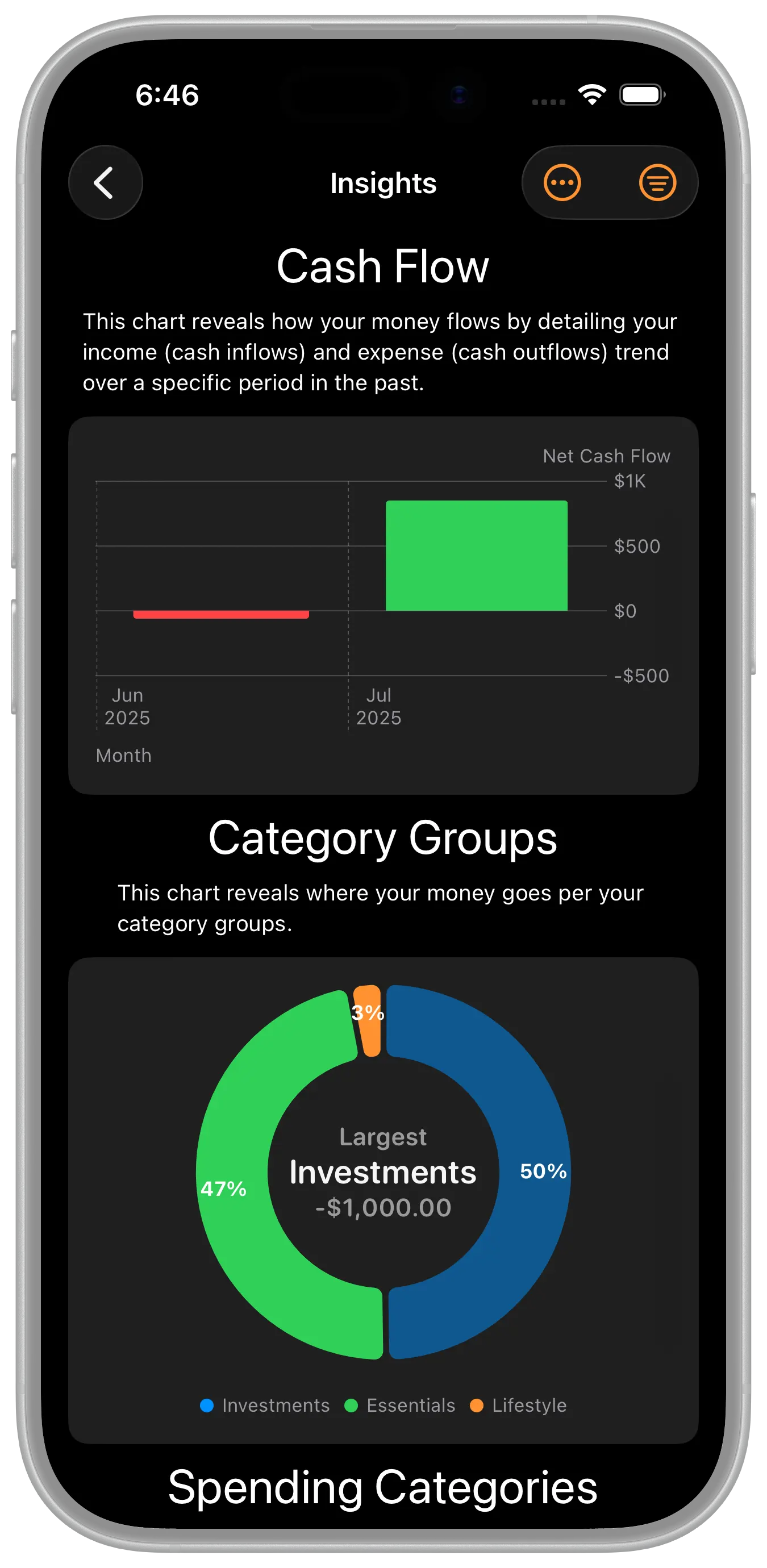
My Financials is the native personal finance app Apple never built—designed beautifully to fit right into the Apple ecosystem for iPhone, iPad, and Mac. It is built from the ground up for everyday Apple users who want software that feels natural, works seamlessly, and is completely immune to the Rosetta sunset.
Best of all, you don't have to make the decision blindly. You can download and start your free trial today to see just how simple managing your money can be.
Here is why everyday families and individuals are moving to My Financials:
- A True Lifetime Option: Say goodbye to monthly or annual bills. My Financials offers a straightforward software license—including a lifetime option—so you buy it once and use it forever.
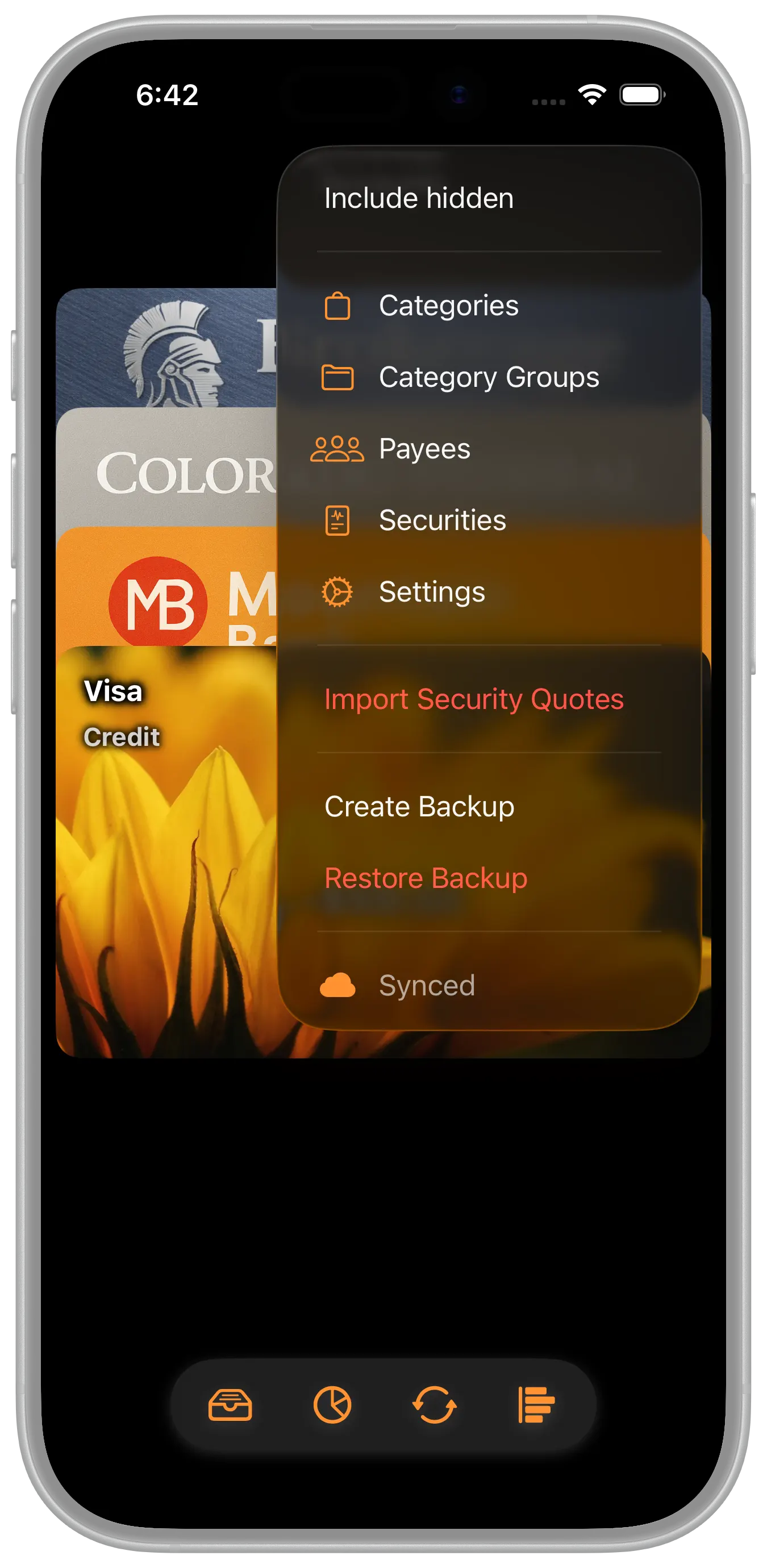
- Absolute Privacy: Your financial information stays strictly local on your device and syncs securely using your own personal Apple iCloud Account. We don’t have a third-party server, and we never see your data.
- All-Device Synergy: One single license bundles your Mac, iPhone, and iPad apps together seamlessly, letting you view and manage your finances at home or on the go.
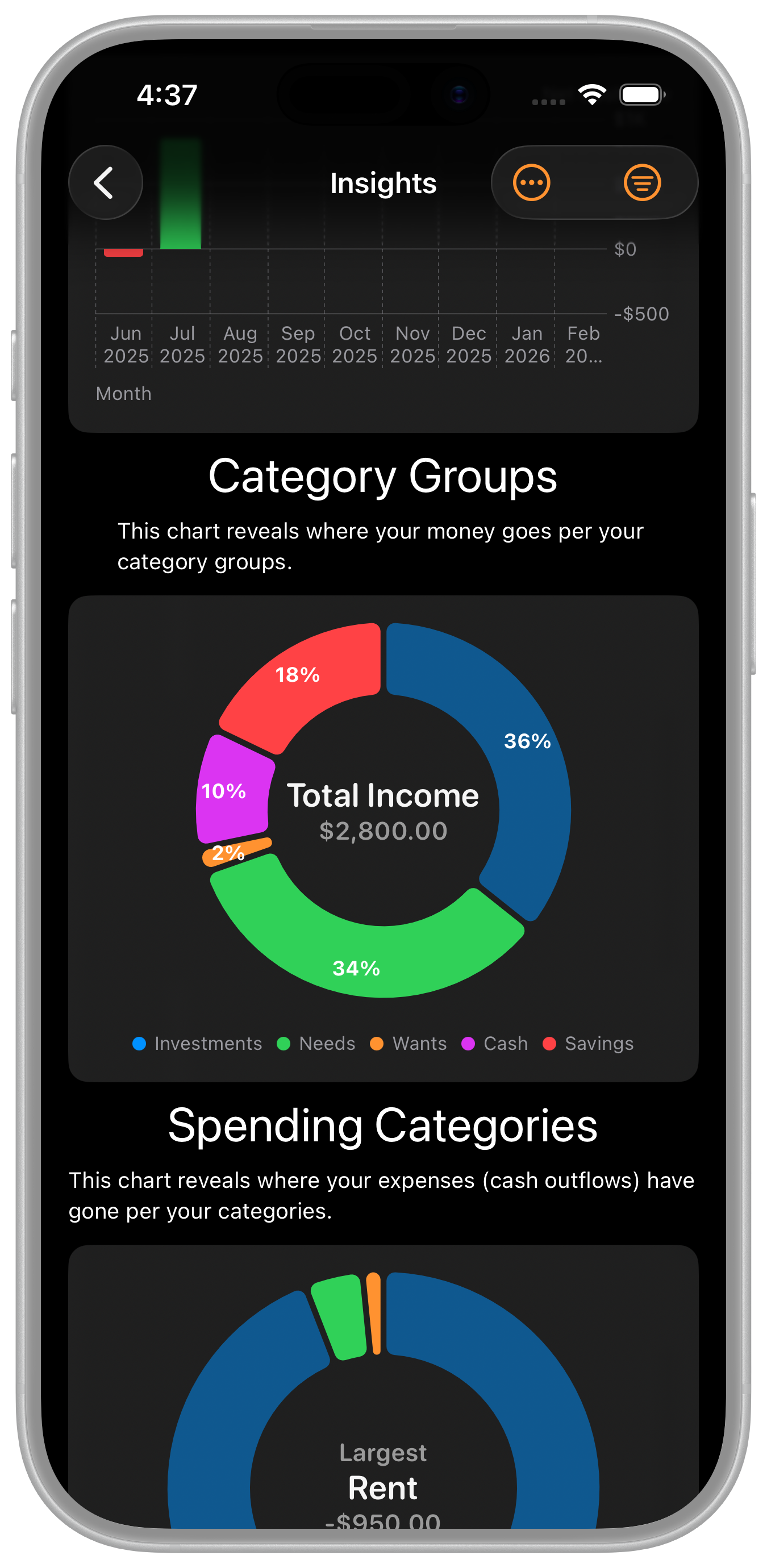
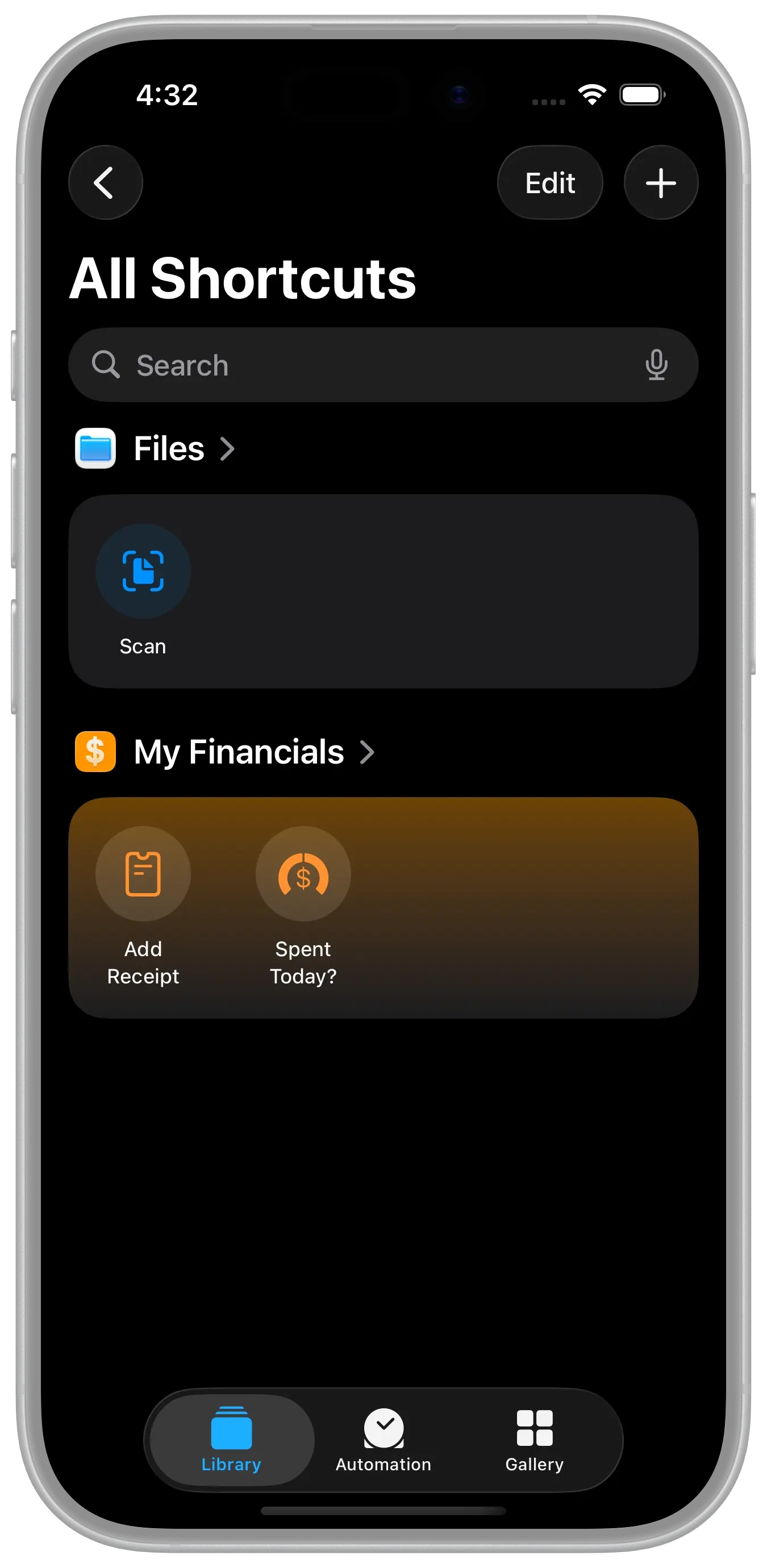
- Simple & Powerful Innovations: Enjoy clean visual charts, zero-effort budgeting, and deep integrations with Apple Pay and Tap to Pay that can log your everyday transactions automatically.
Take Control of Your Financial Future
Don't let Apple’s Rosetta retirement force you into a lifetime software subscription you don't want. Check the Apple Silicon Hardware Guide to see how your hardware is affected, and protect your financial workflow before the next macOS rollout.
Download My Financials (and start your free trial today) on the App Store to experience personal finance tracking the way it was meant to be: simple, modern, private, and if you choose, subscription-free.
References & Resources
- Apple Guides: Rosetta Translation Support | Apple Silicon Hardware Guide
- OS & Software Timelines: Wikipedia macOS History | Apple Developer News Hub
- Quicken Lifecycle Information: Quicken Support Portal