Security Prices
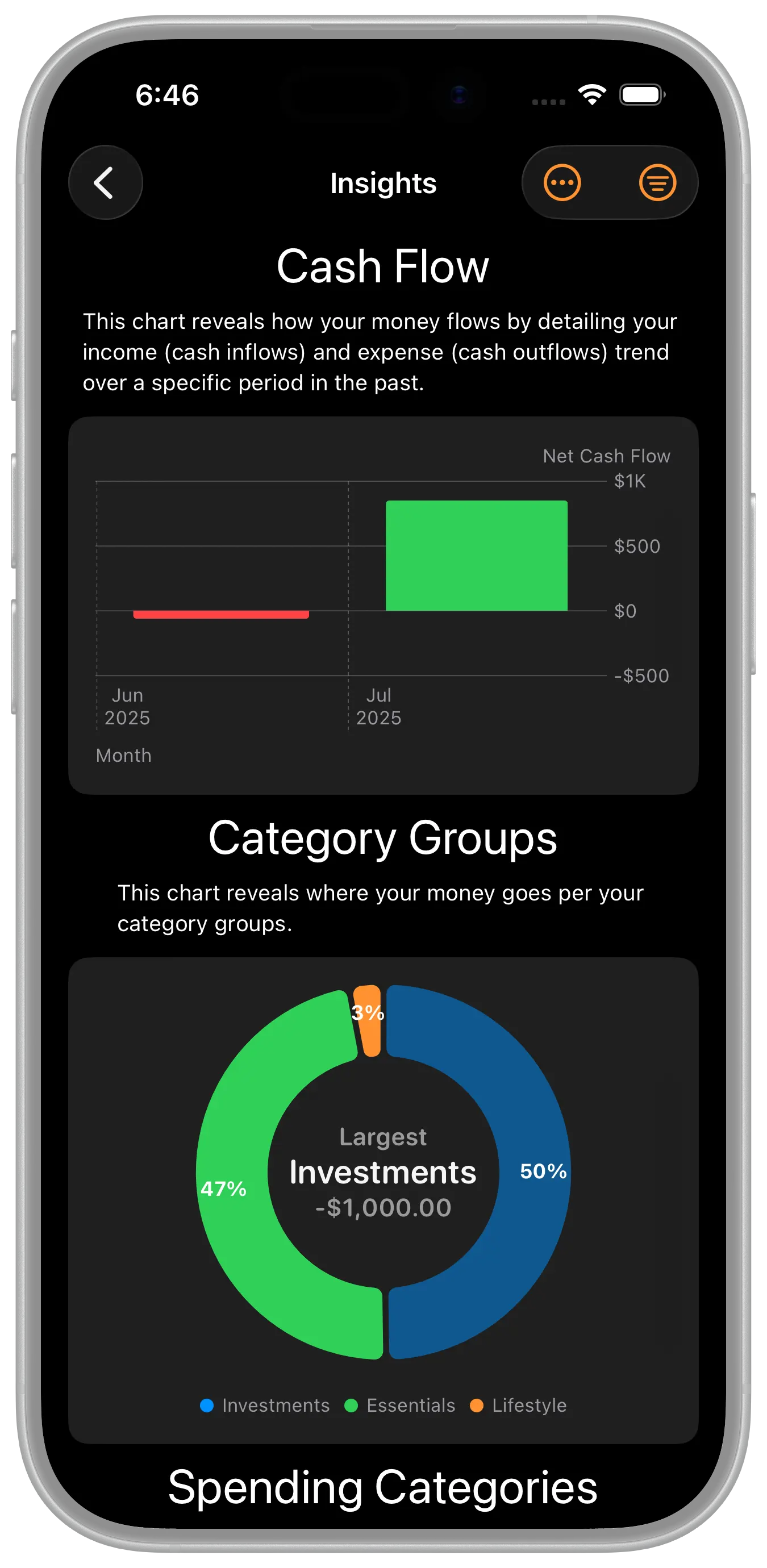
The application uses the most recent security price entered to price that security. In addition, various charts and reports display security holdings over time. The security prices entered are used for those charts as well.
Manual Entry
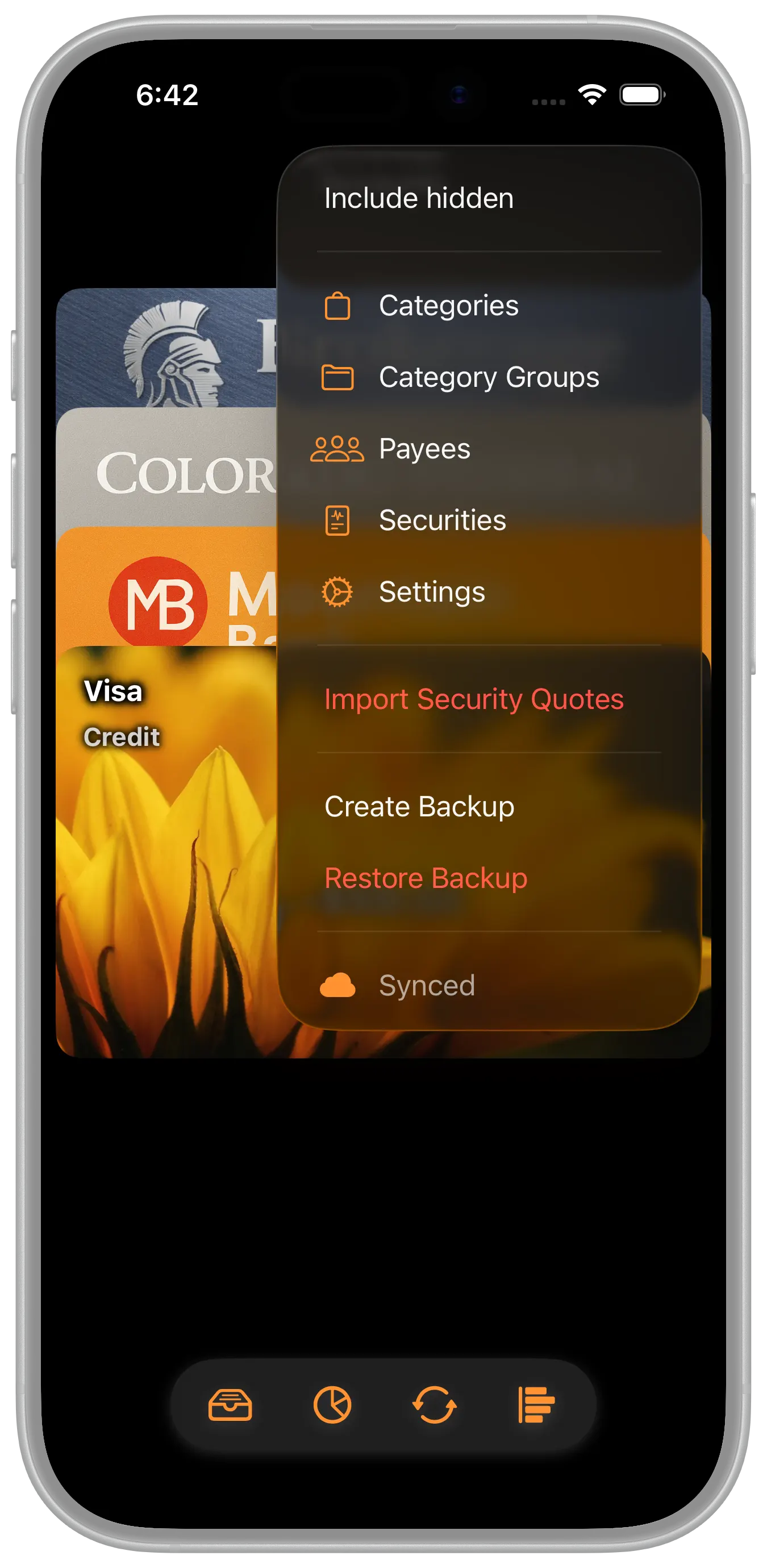
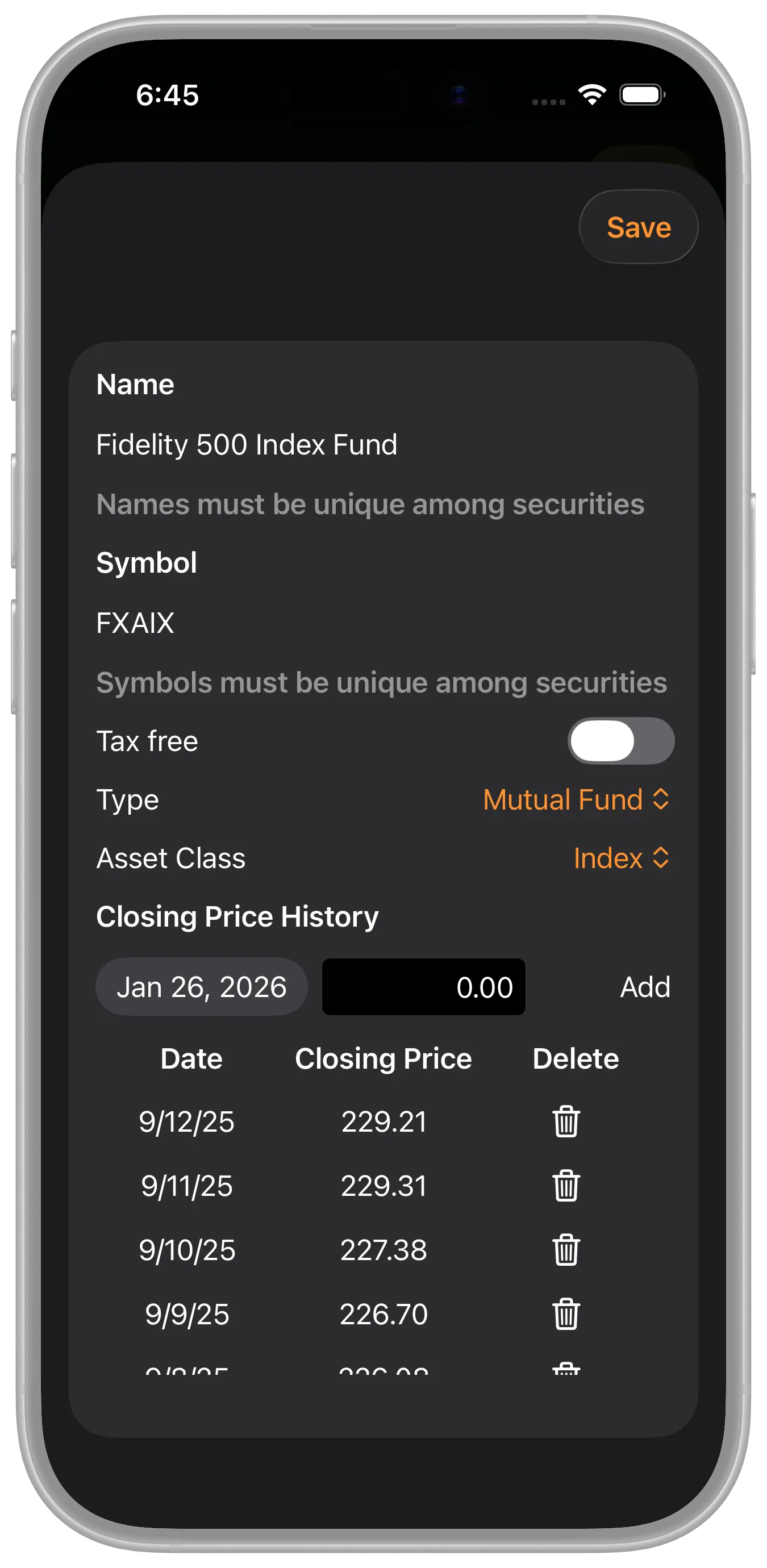
Security prices can be entered manually by editing the security. On the main accounts view, select the menu then Securities. You can then edit that security which includes editing the Closing Price History.
Import Closing Prices
The app also allows you to import security prices from a CSV file. Our open data format shows the details behind the security price history table. That format can be placed in a stand alone CSV file and then imported into the app from the "Import Security Quotes" menu option.
In fact, there are websites that provide security price information in that format which makes for an easy way to grab historical price information. Here's a favorite of mine.