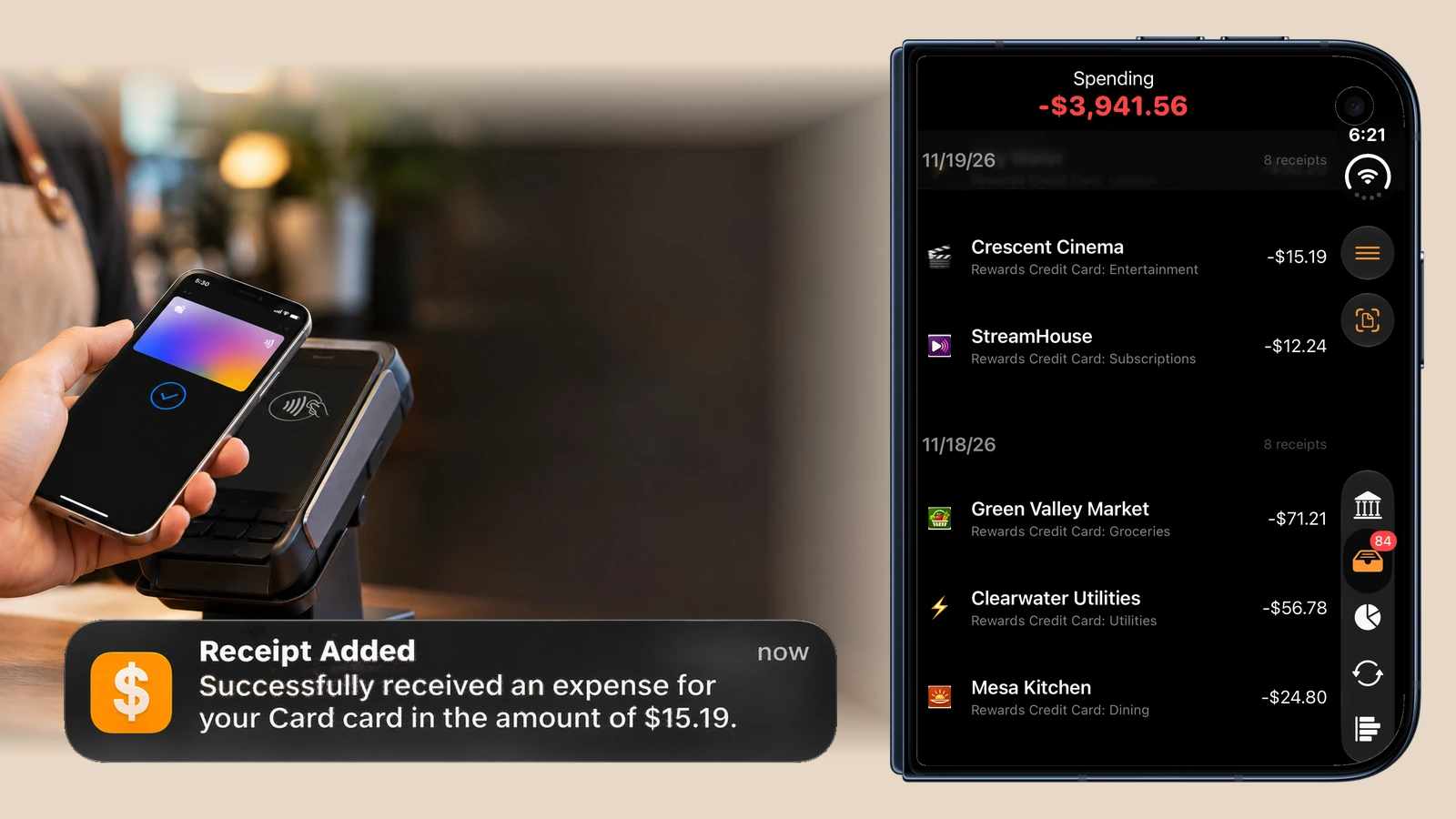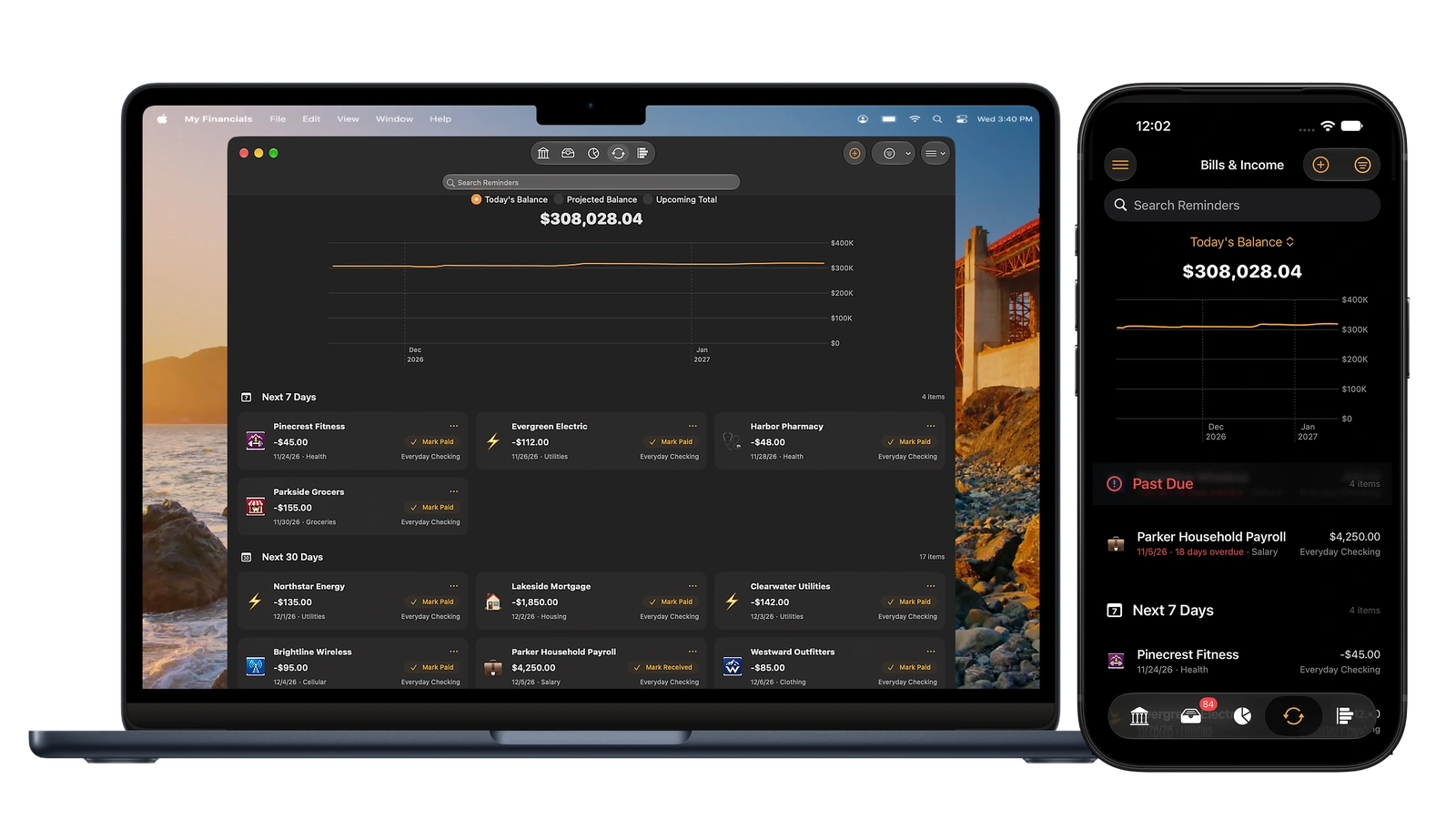
Siri can be very useful when it comes to personal finance applications like MyFinance, but security of your information is also key. We've all been there when Siri blurts out something at the wrong time. Our initial Siri support works soley with your Receipts which means you must first set up our Apple Pay integration or connect Shortcuts to your financial text messages so that they create receipts. That process is all described in this Apple Pay Integration article.
Here's a Video Demonstration
What Can Receipts Tell You
Receipts can tell you how much you've spent in a given day, assuming of course that all of your purchase transactions are handled by Apple Pay. So what can you say to Siri? Here are a few expressions:
- Create a receipt in My Financials
- Add a receipt to My Financials
- Create a transaction in My Financials
- Add a transaction to My Financials
- How much did I spend today in My Financials
- How much have I spent today in My Financials
- Get my total spent today in My Financials
- What is my total spent today in My Financials
Remember that the total spent today is solely determined from your current receipts.
Additional Capabilities (versions later than 1.0.2)
For those who've indicated that they don't process their receipts daily, we've heard what you've had to say and added more Siri capabilities. Now you can ask the following as well:
- How many receipts do I have in My Financials
- How many receipts do I need to process in My Financials
- What are my total receipts in My Financials
- Get total receipts in My Financials
- What is my total for all receipts in My Financials
For now we are supporting just these queries. We'll update this article as we support more in the future.
Watch the Video
Step-by-Step Video Instructions
Here's a quick video demonstrating adding a receipt and checking how much you spent all using Siri!