
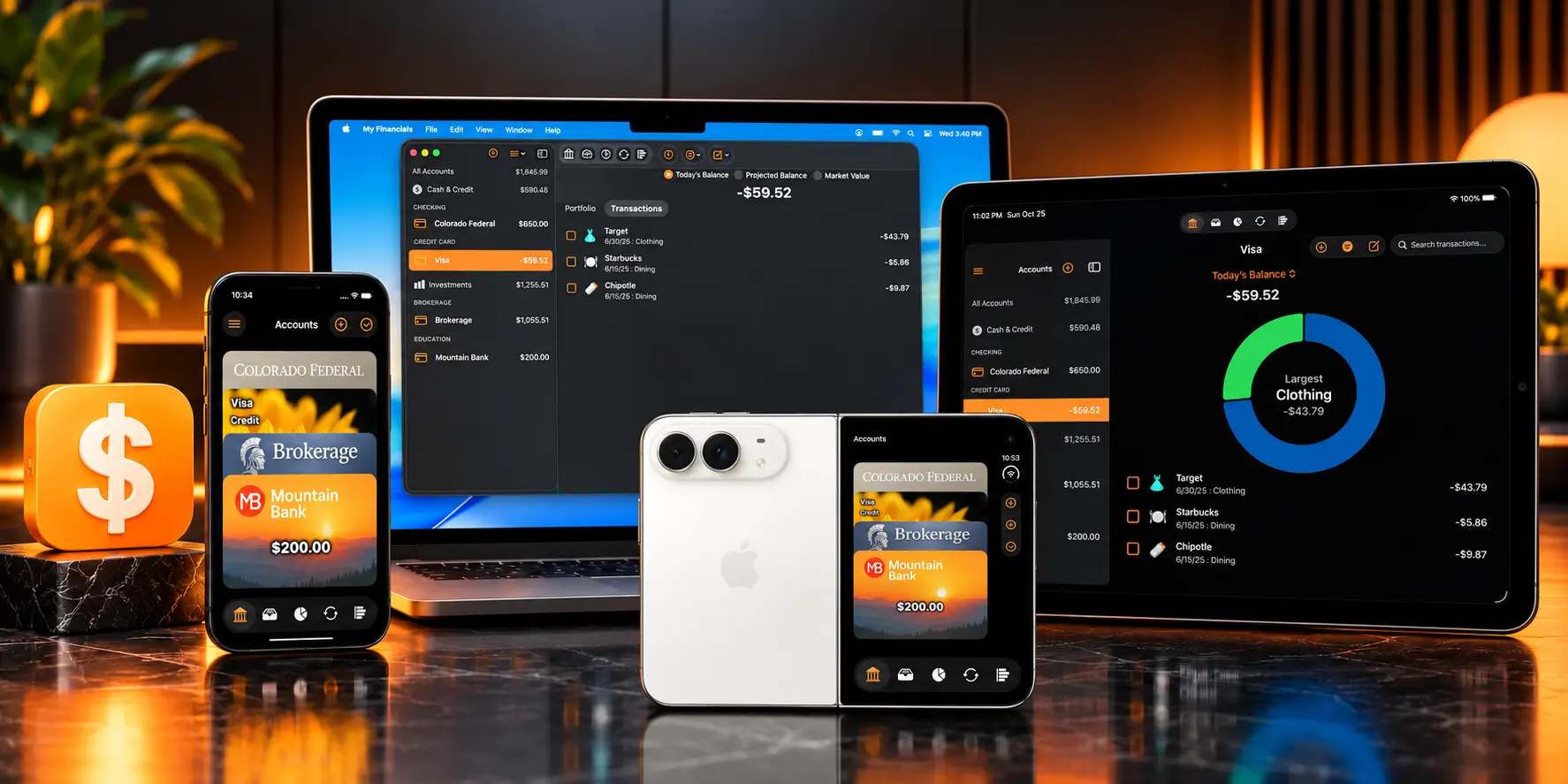
Beautifully designed. Remarkably capable. Discover how My Financials makes managing your money a little more enjoyable.
Explore the interface below.
Watch the 60-second tour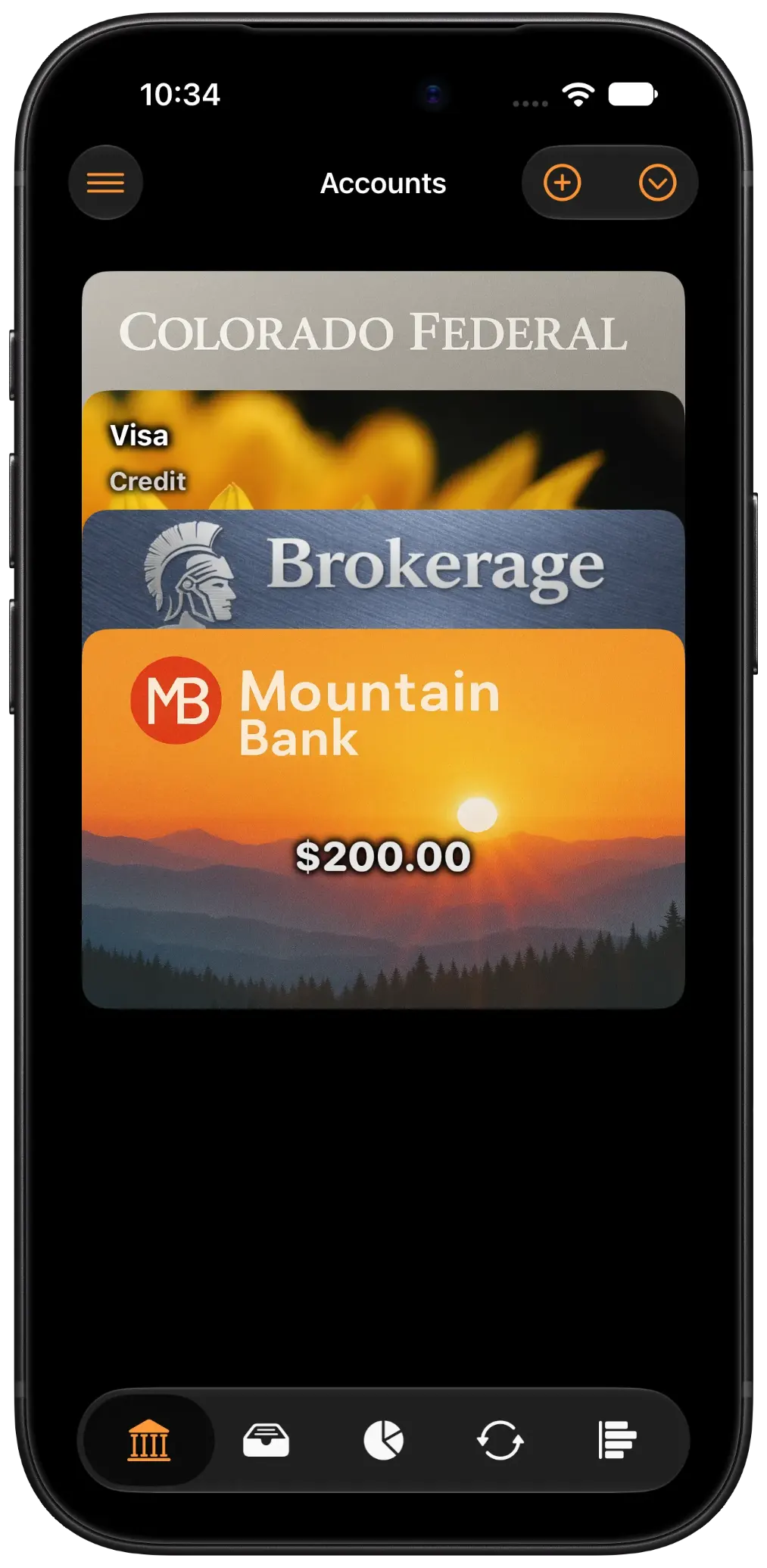
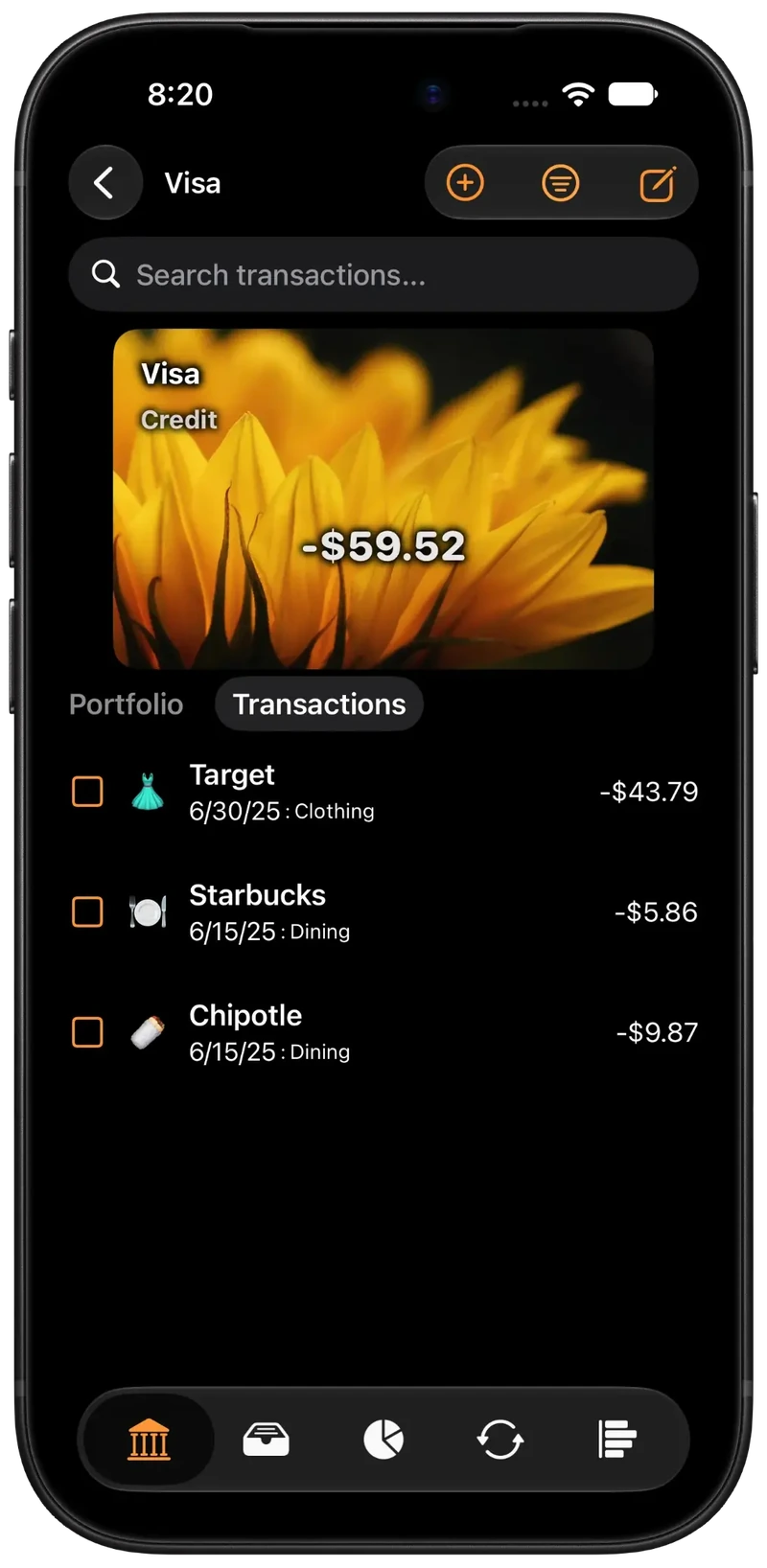
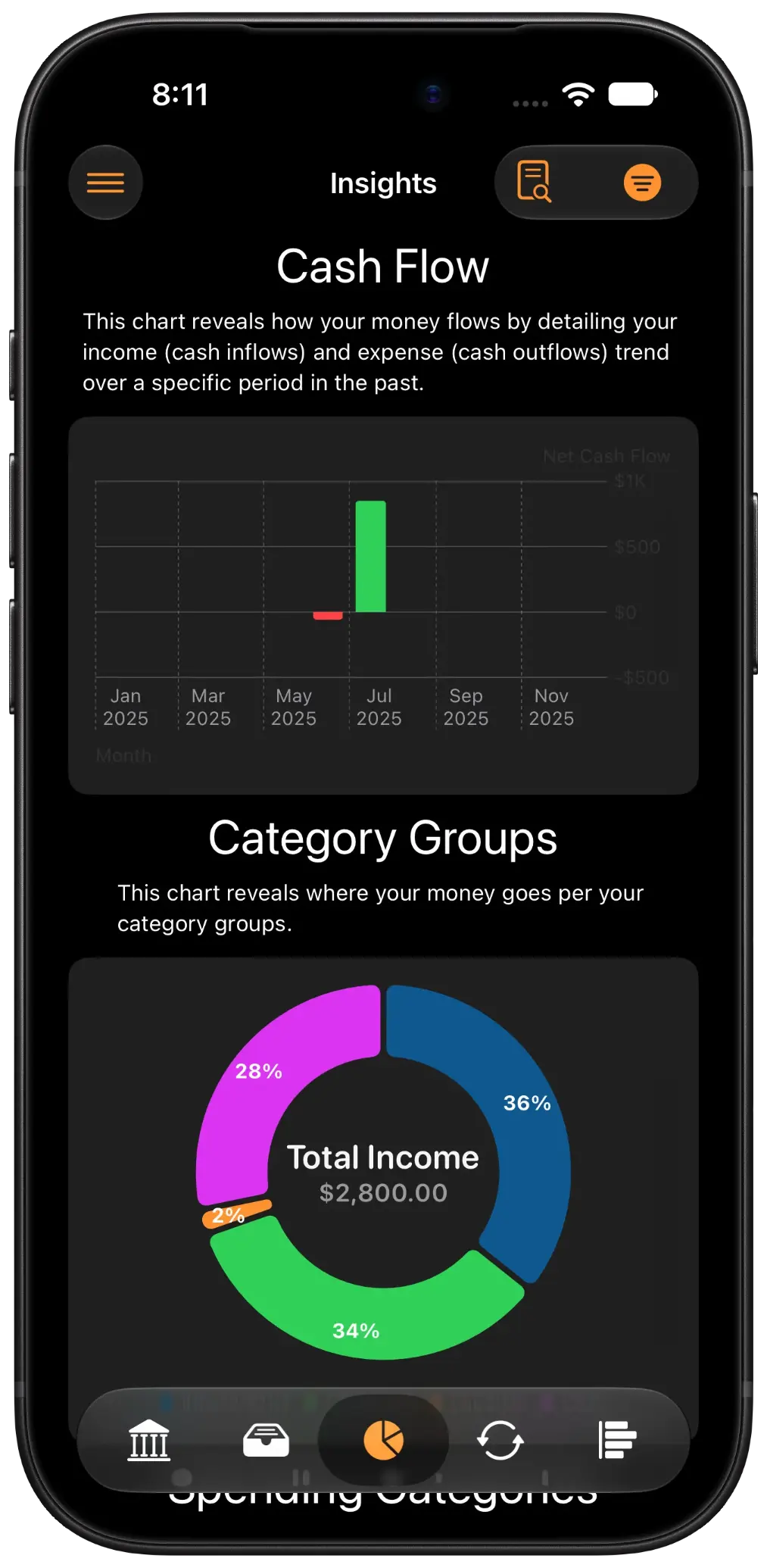
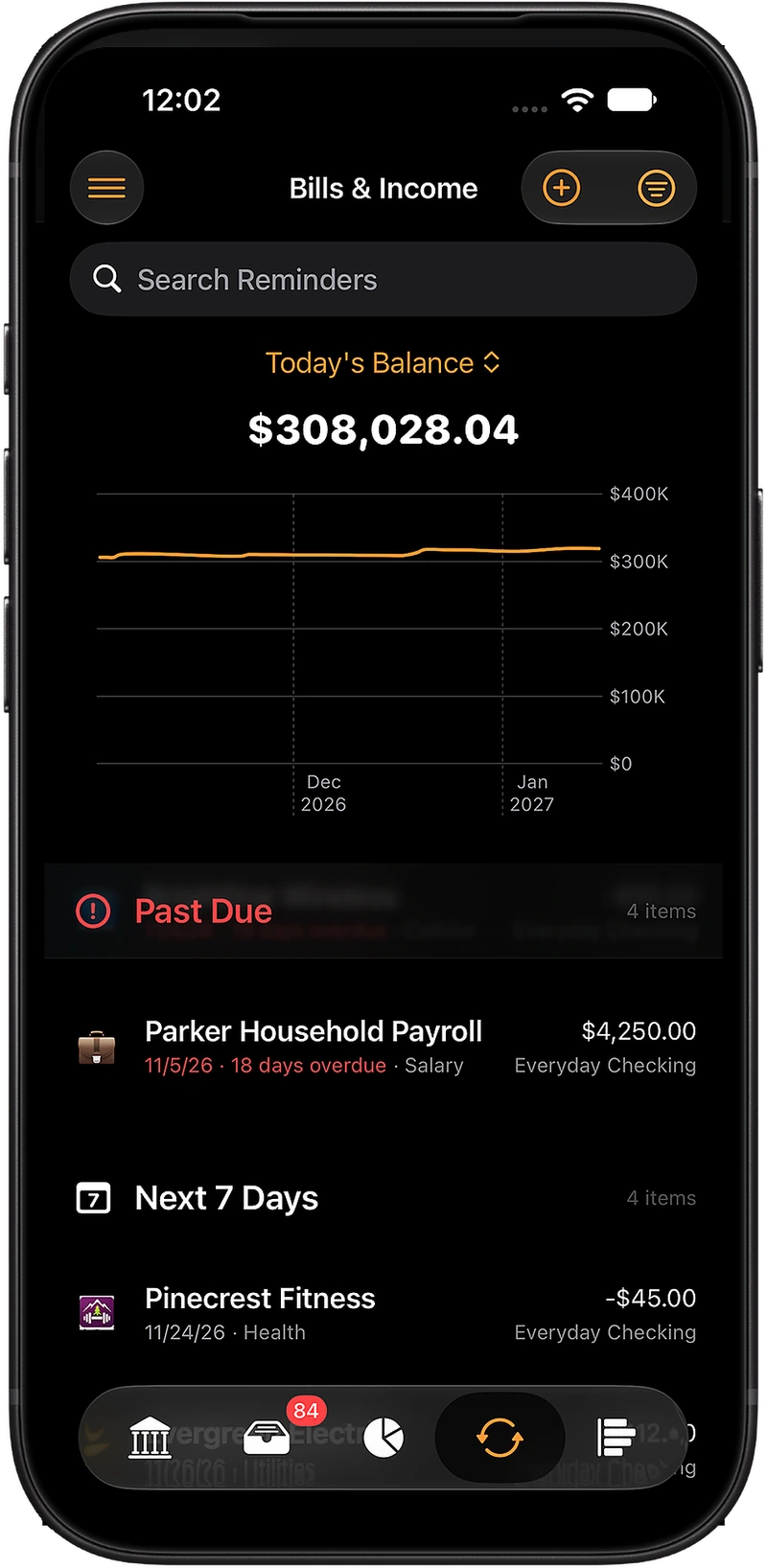
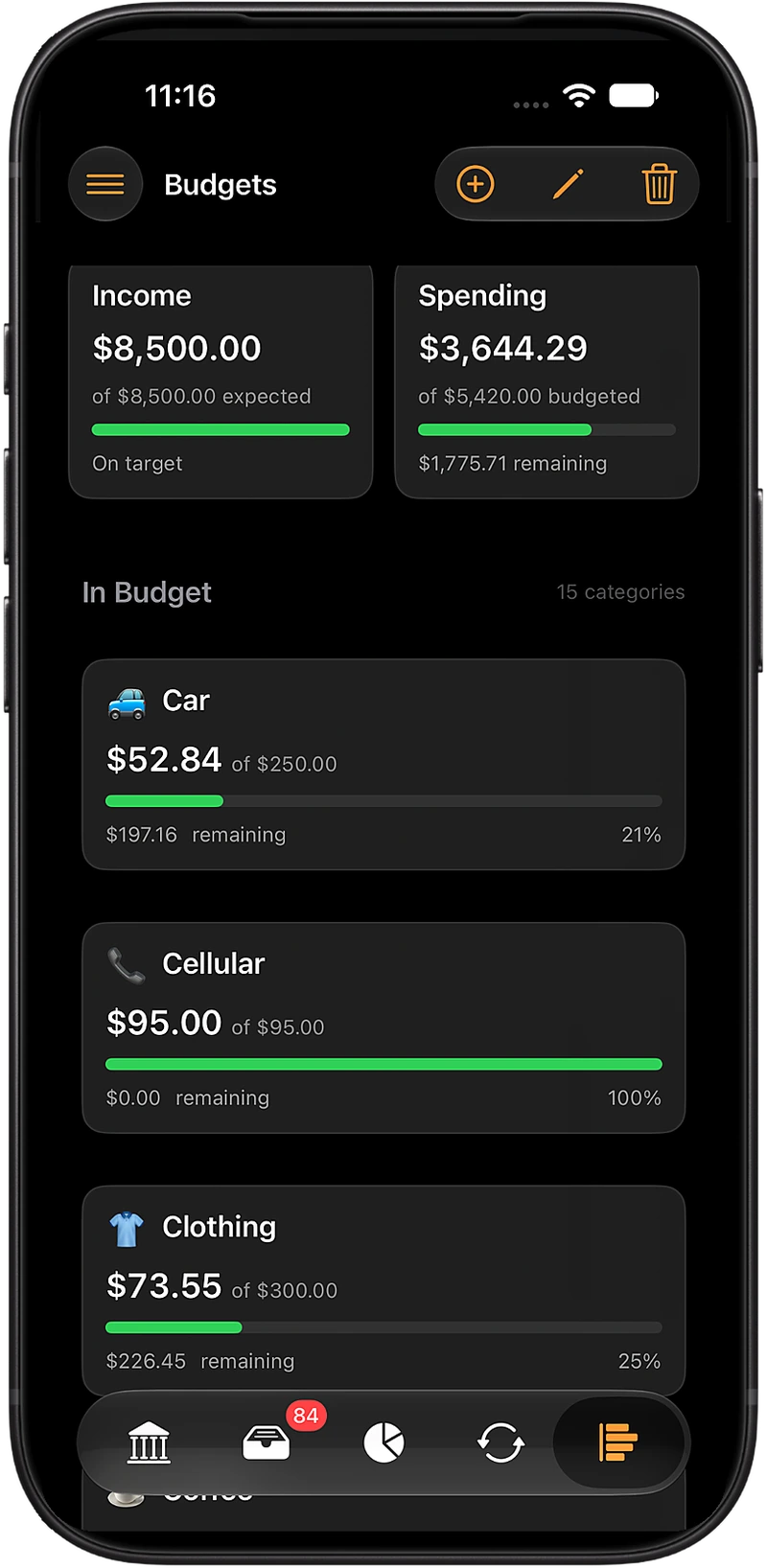
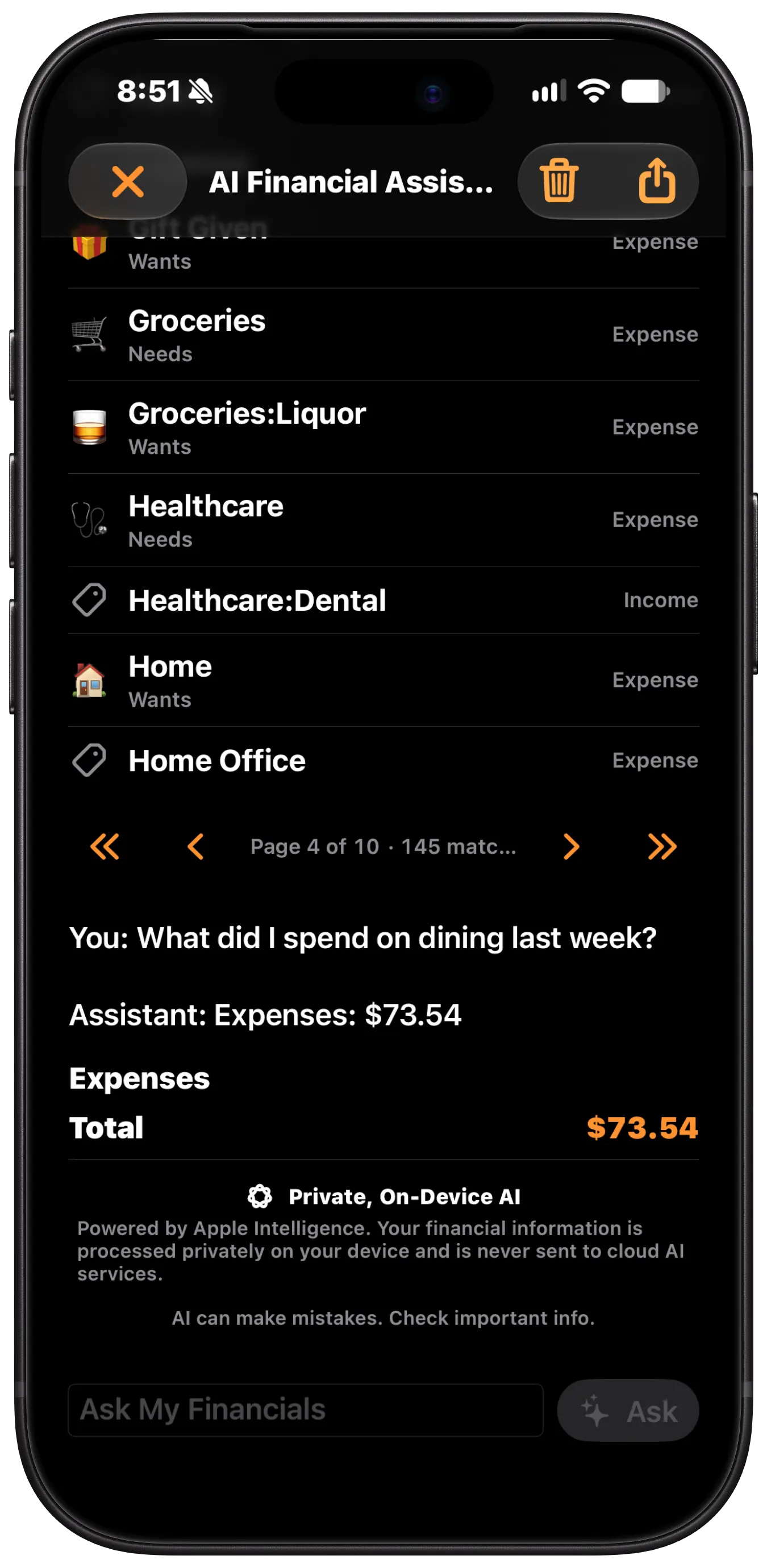
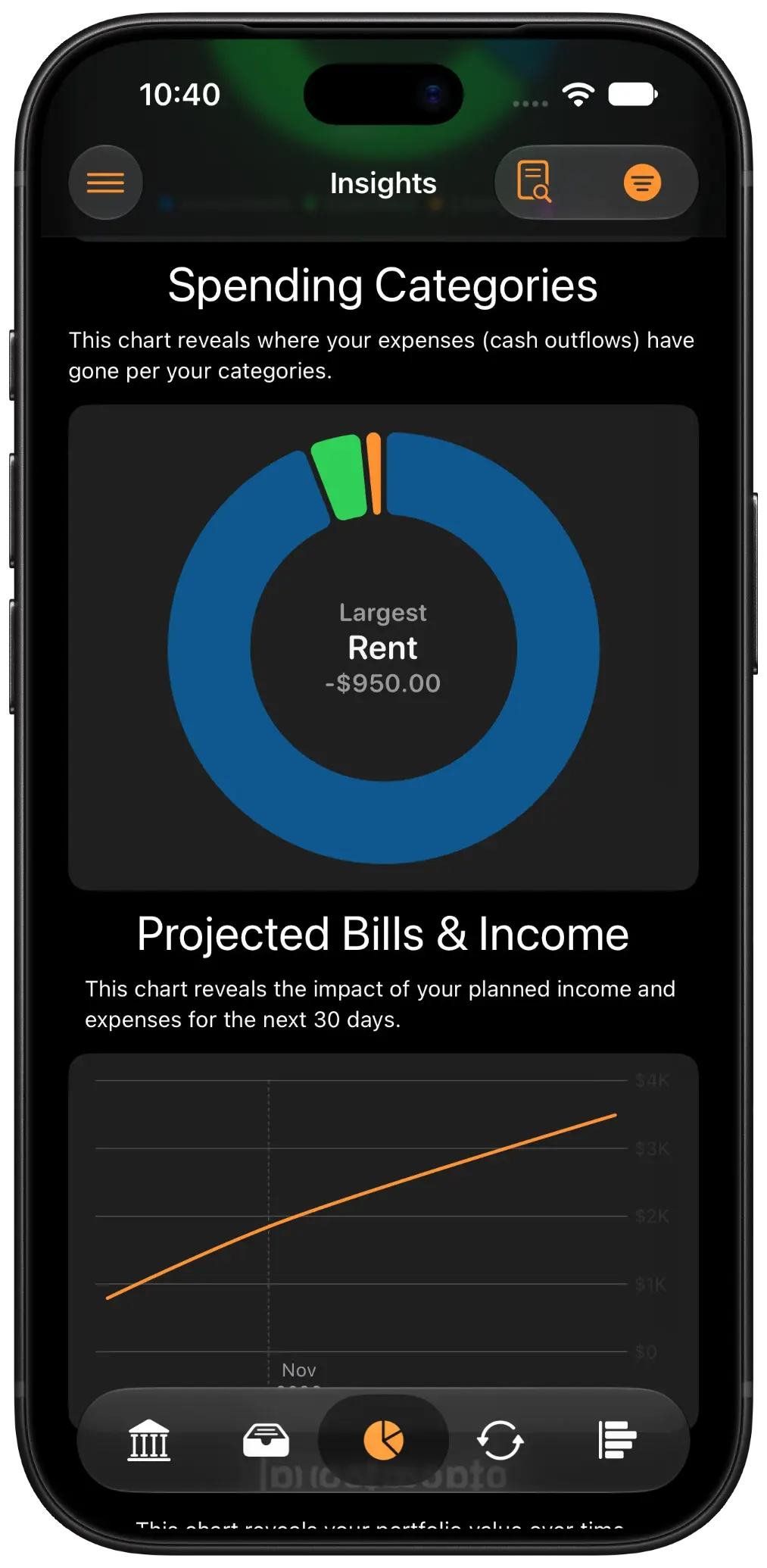
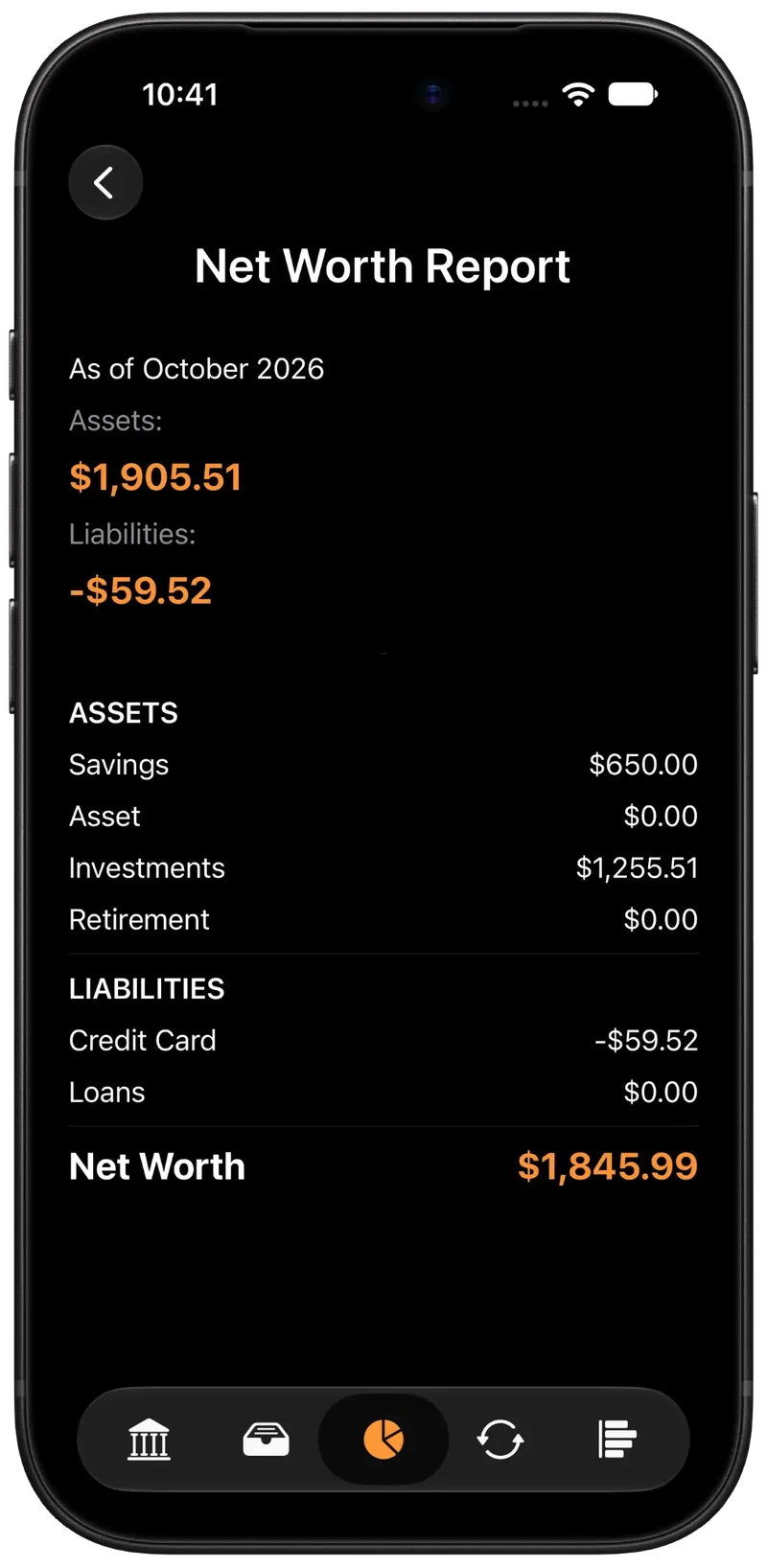
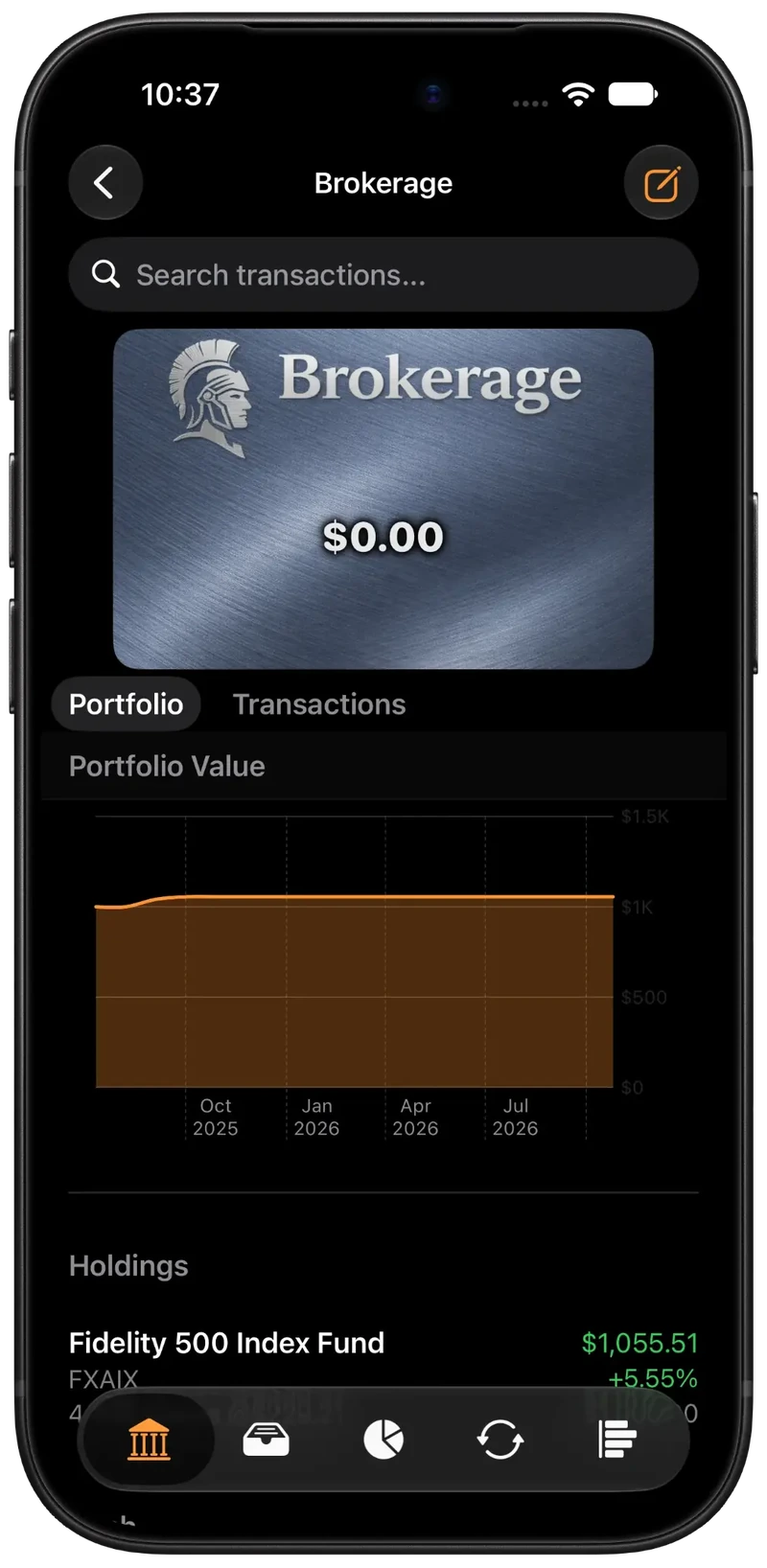
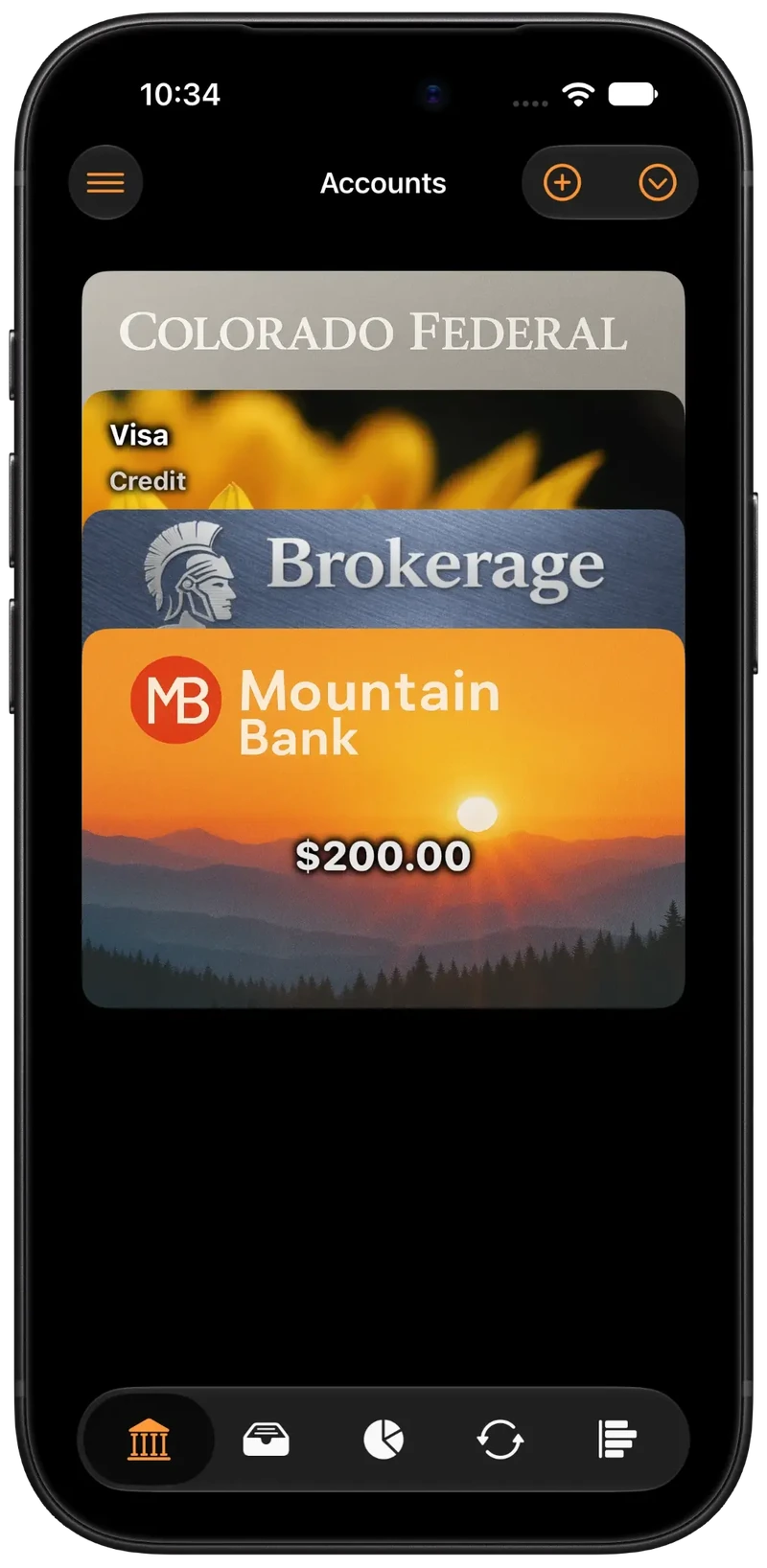
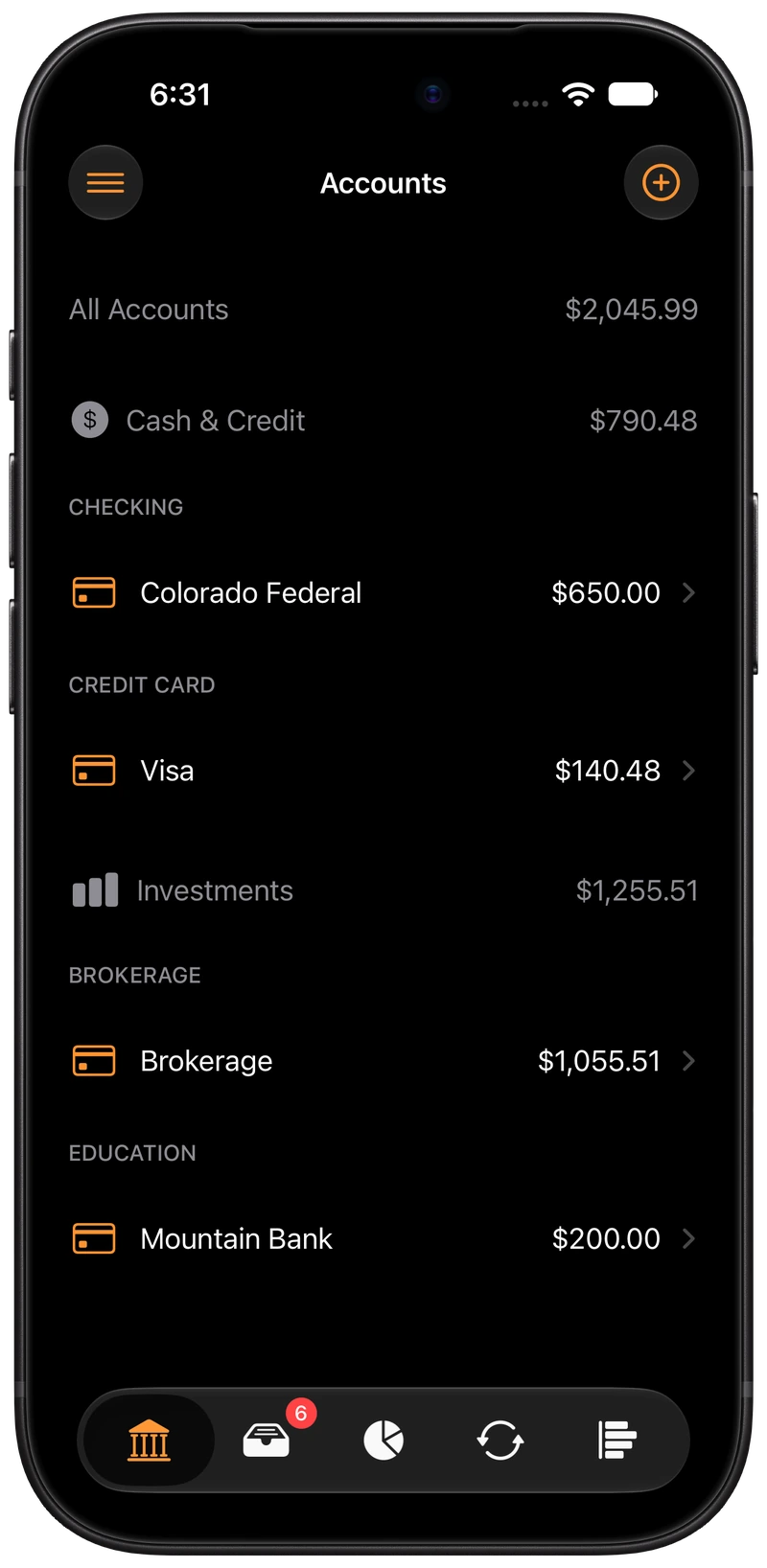
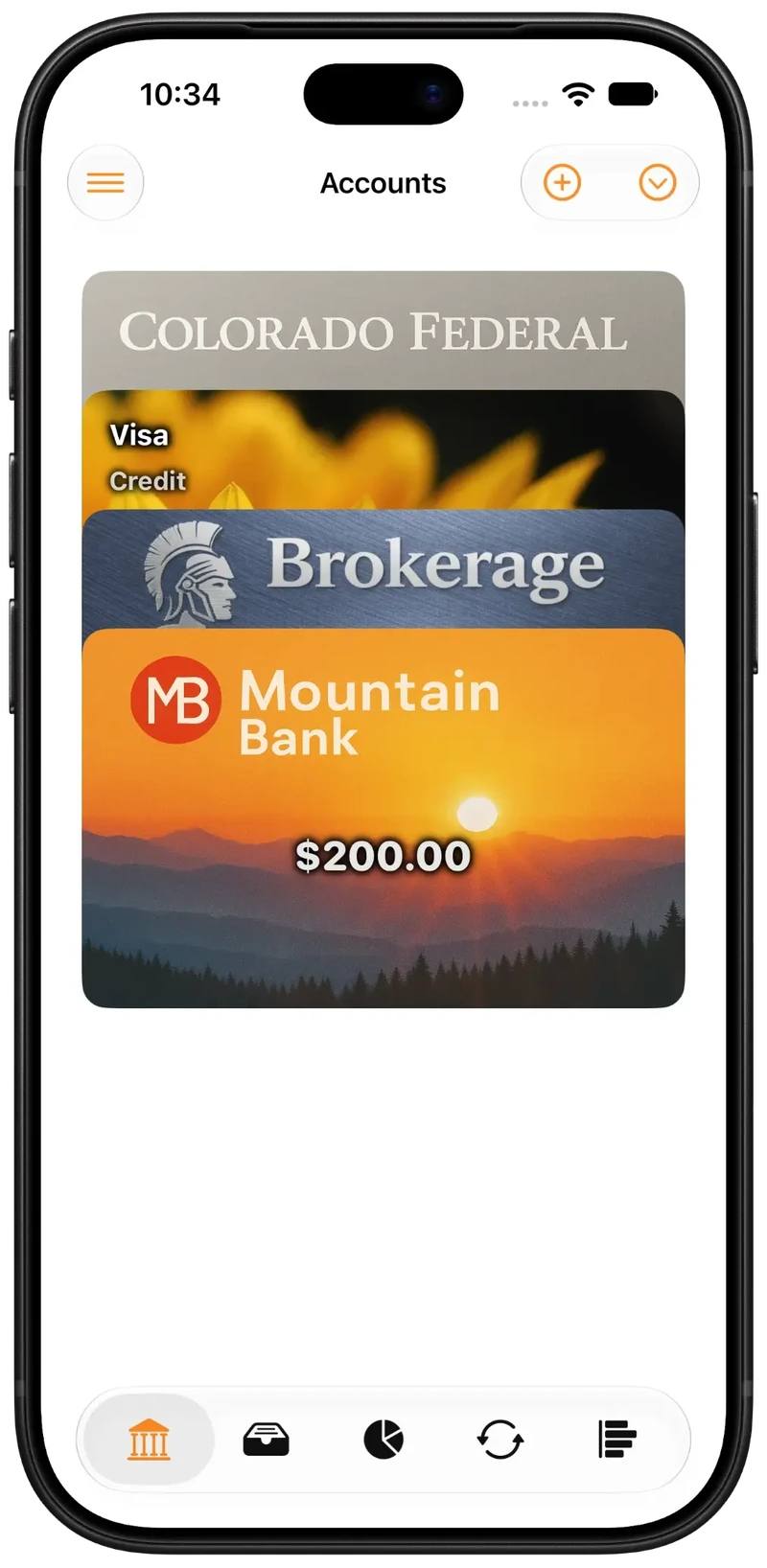
Manage your accounts, track spending and personalize your finances with beautiful wallet cards, payee images and category emojis.
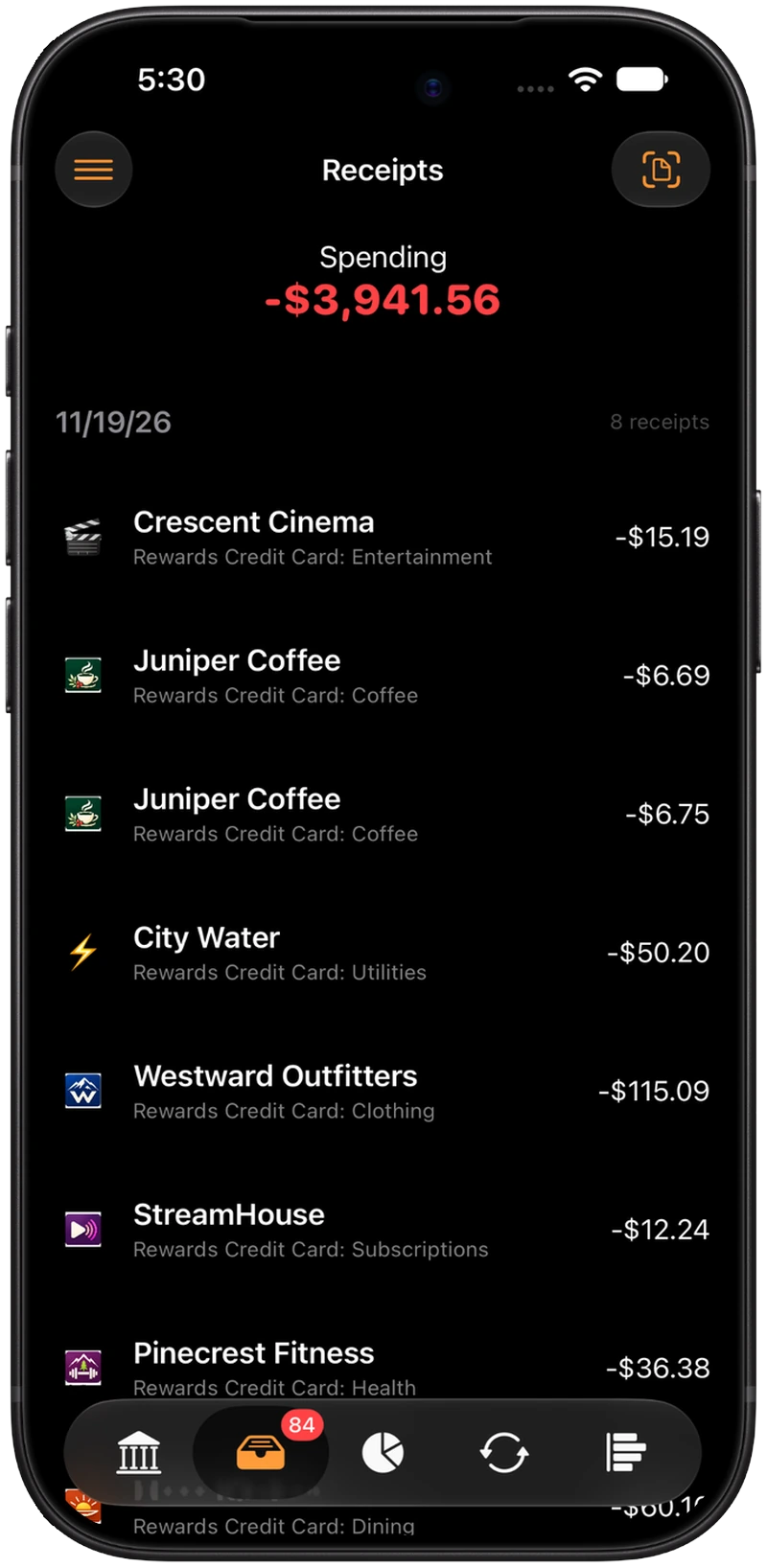
Learn MoreCapture life's purchases with Apple Pay, Siri and Apple Intelligence receipt scanning. Review and record them when you're ready.
Learn MoreSee the bigger picture with interactive charts and financial reports. Understand your spending, cash flow, investments and net worth.
Learn MoreSchedule recurring bills and income, visualize your projected cash flow and stay ahead of upcoming expenses. Fewer surprises. More peace of mind.
Learn MoreCreate traditional or zero-based budgets, or simply track spending with category groups. Choose the approach that fits your life and financial goals.
Learn MoreDiscover a more personal way to understand your finances. Ask Sam questions about your money, powered by Apple Intelligence entirely on your device.
Learn More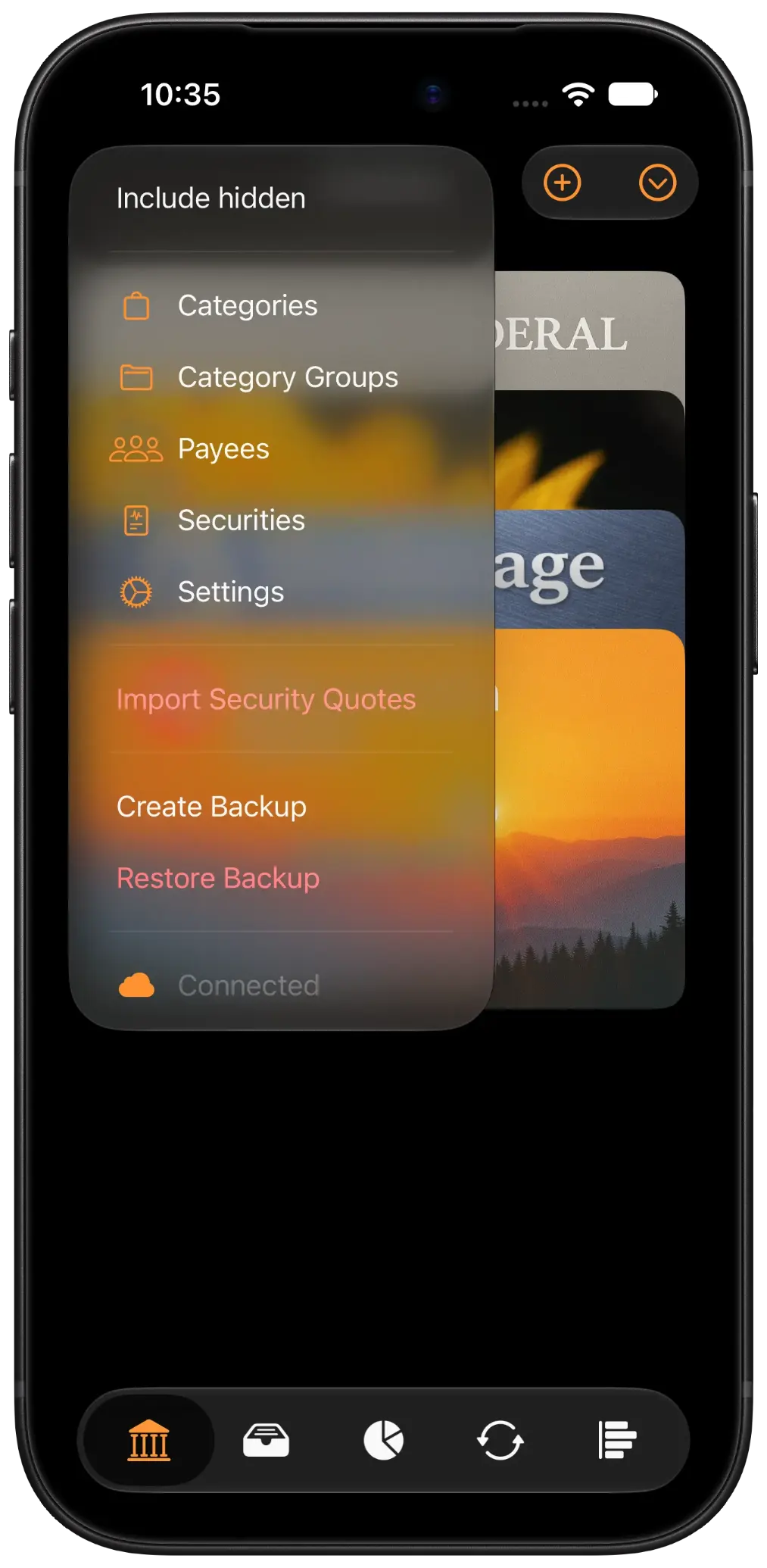
Start with a single account or bring your existing financial history with you. Our getting started guide helps you build a financial picture at your own pace.
Getting started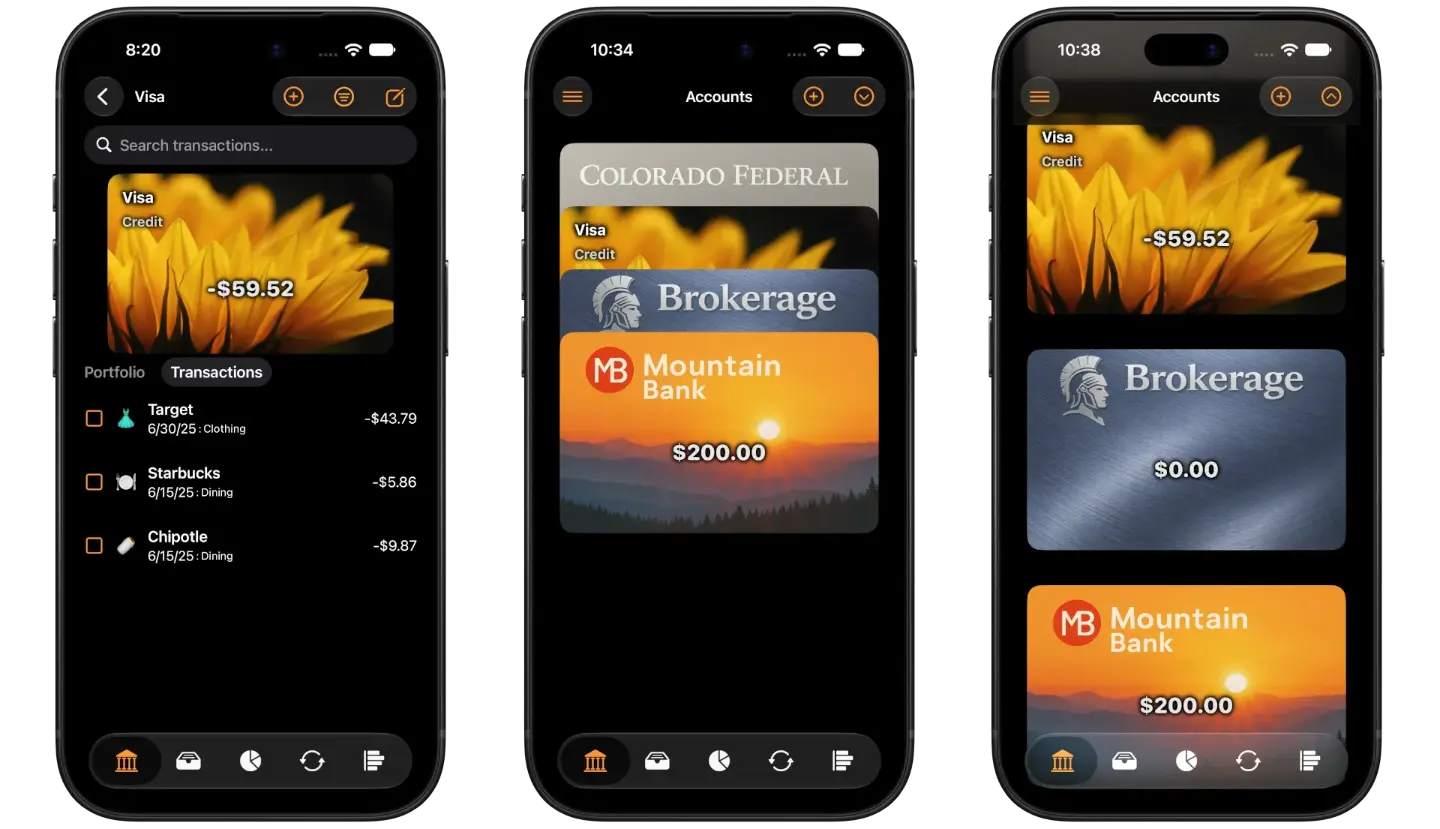
Managing money doesn't have to be boring. Personalize your wallet cards, payee images and category emojis. Make your finances as unique as you are.
Customize My Financials
Your financial life belongs to you. No bank connections, no financial data collected by us. Your data stays on your Apple devices and syncs privately through your own iCloud account.
Our Privacy Policy
Your financial history should always belong to you. Import and export your data using an open CSV format. Bring your history with you and take it wherever life leads. No vendor lock-in.
Explore Our Open Data Format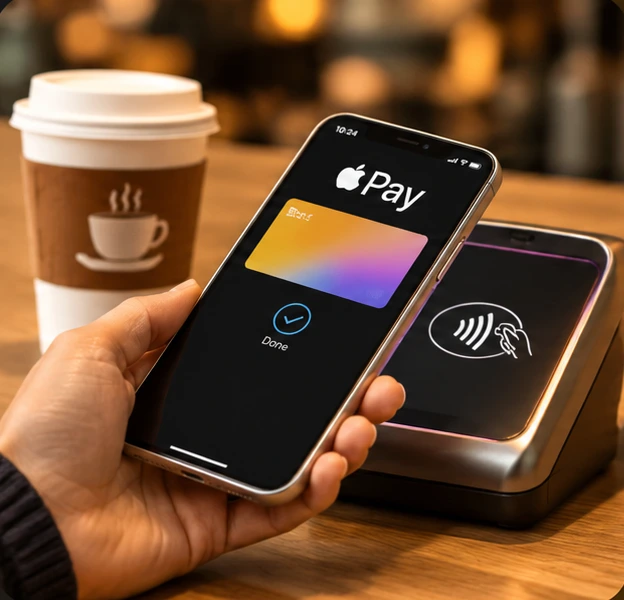
Enjoy your coffee. My Financials can capture your Apple Pay purchases automatically using Apple Shortcuts. Review and record them later, when it's convenient for you.
Apple Pay IntegrationDiscover helpful tips, practical guides and new ways to get more out of My Financials. Stay up to date with the latest features and news.
Explore All Articles
Meet Sam, your private AI financial assistant, and discover how Apple Intelligence helps you understand your finances and turn paper receipts into transactions — all using AI that runs directly on your Apple device.
My Financials introduces Sam, a private, on-device financial assistant powered by Apple Intelligence. Now you can ask questions about your spending, accounts, transactions, and budgets in everyday language — without sharing your financial data with cloud AI services.
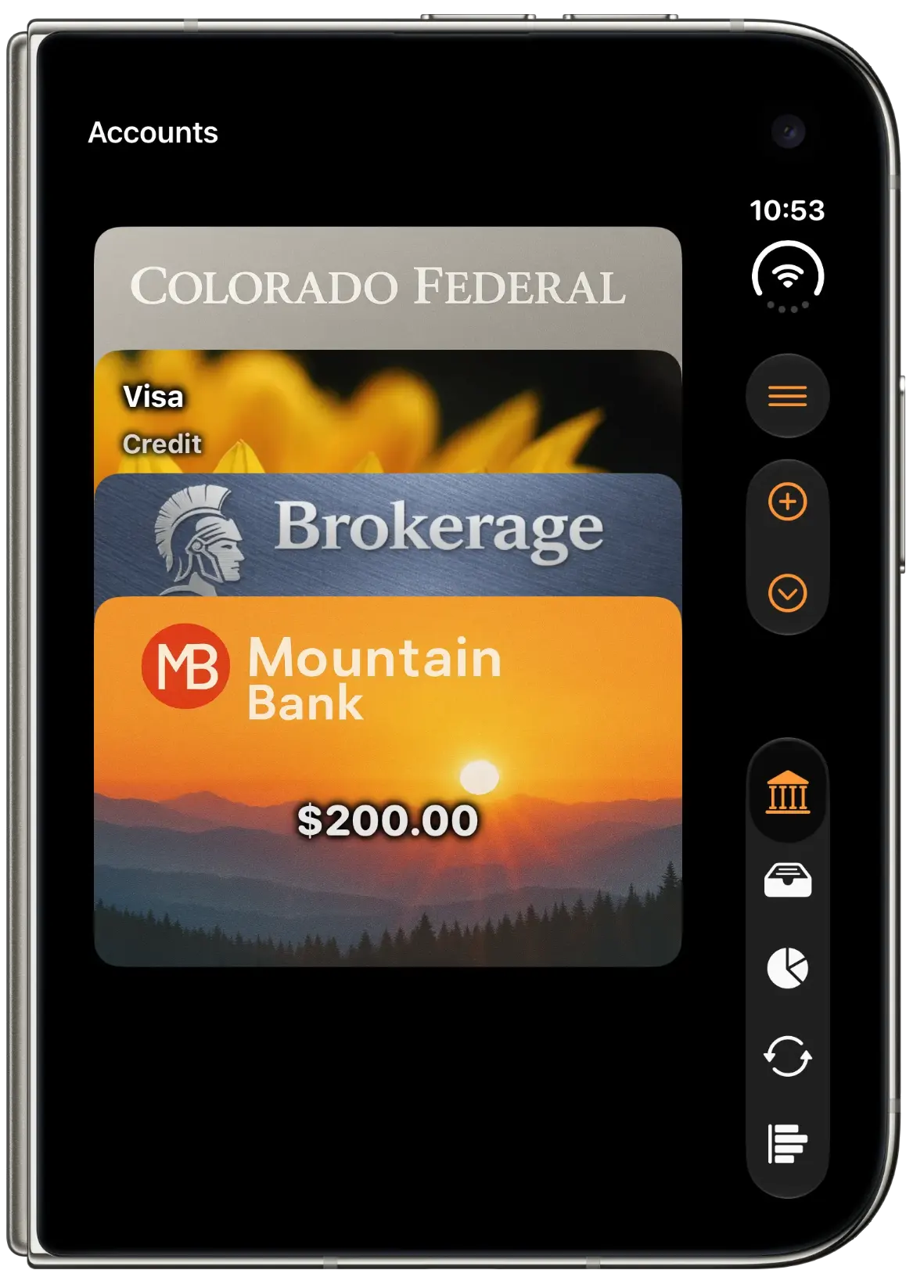
My Financials v1.1.5 brings support for Apple's innovative new iPhone Duo, alongside iPhone, iPad, and Mac. Released on the App Store today, the update delivers insightful graphics, intuitive gestures, and innovative financial features that put your finances at your fingertips!
As a kid, I'd come home with receipts and change in my pockets. The change went into a jar, and the receipts went into my computer. I wanted to know where my money was going and watch my savings grow.
That habit stayed with me throughout my career as a software engineer and Silicon Valley executive. Today, it's part of the inspiration behind My Financials.
I'm an independent developer who believes managing your money should be enjoyable, personal and private. My Financials is the app I've always wanted to use myself.
— Ron Jones
Founder & Developer, RJ Software, LLC