Receipts - It's Really a Matter of Trust!
This article explains our innovative receipts feature and how it can be used to securely enter transactions.
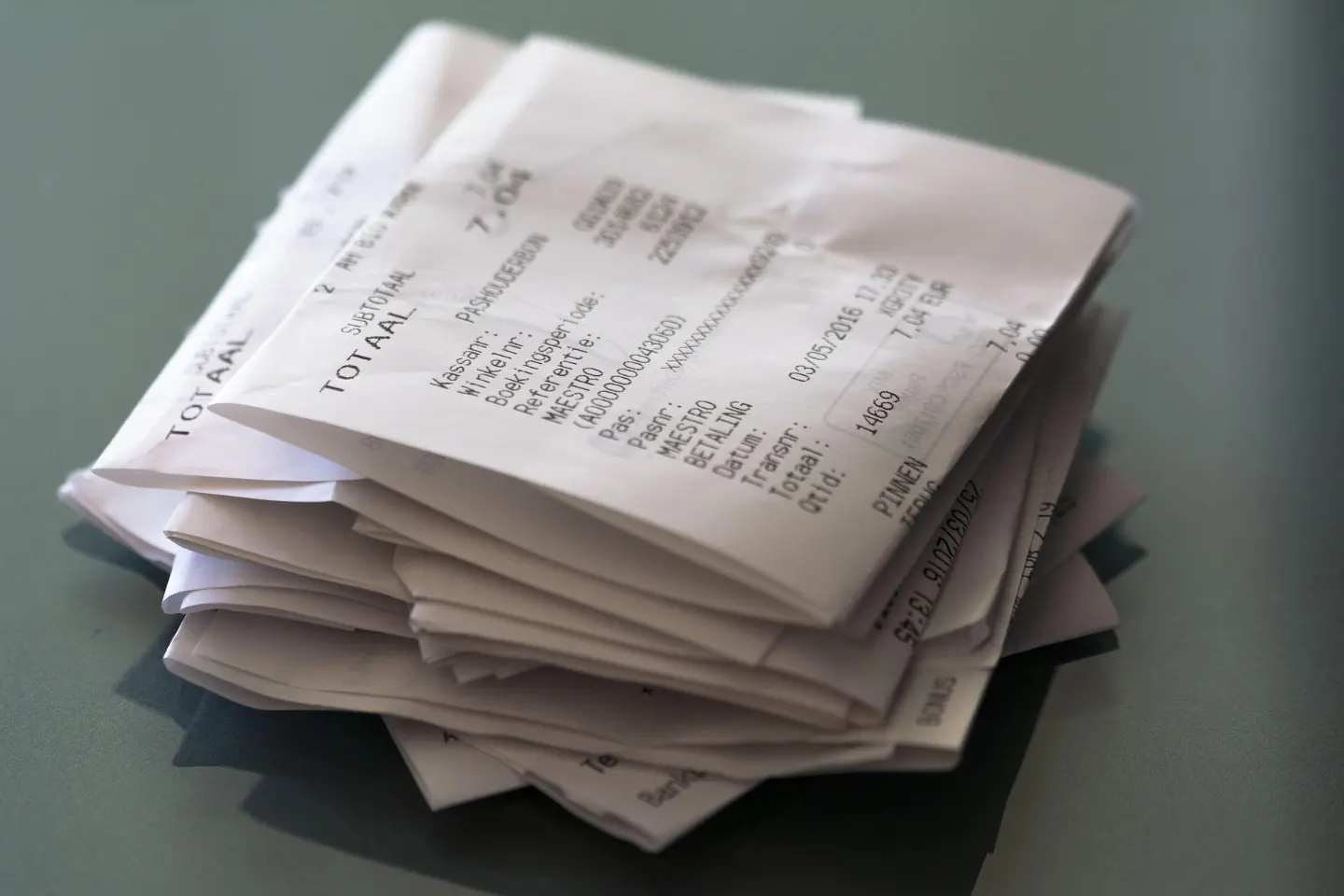
Our take on personal finance is different than some of the other popular personal finance applications like Quicken and YNAB. For convenience, they trust banks and financial institutions as the source of truth when it comes to your transaction data. And they typically erect systems to scrape that data from the banks and download it into their apps. Unfortunately at times, since that data is cached on various servers along the way, the process raises security concerns. We take a different approach. We trust collecting transaction data at the point of sale.
Trust
We trust the transactions that are entered for you at the point of sale.
That is to say, we trust the transactions that are entered for you at the point of sale. Here's why. When you directly purchase something, you typically get a receipt with the details but more importantly, you typically glance at the receipt and verify the transaction amount. Now that we've all gone digital, those receipts are usually notifications or messages on our phones. So rather than stuff those paper receipts in your pocket and enter the transaction details later when you get home or back to the car, you can configure MyFinancials to capture the details from those digital receipt messages and notifications. That means MyFinancials will know about the transaction right there at the point of sale. It then captures that information so that with one tap you can later confirm those details and the transaction will be created.
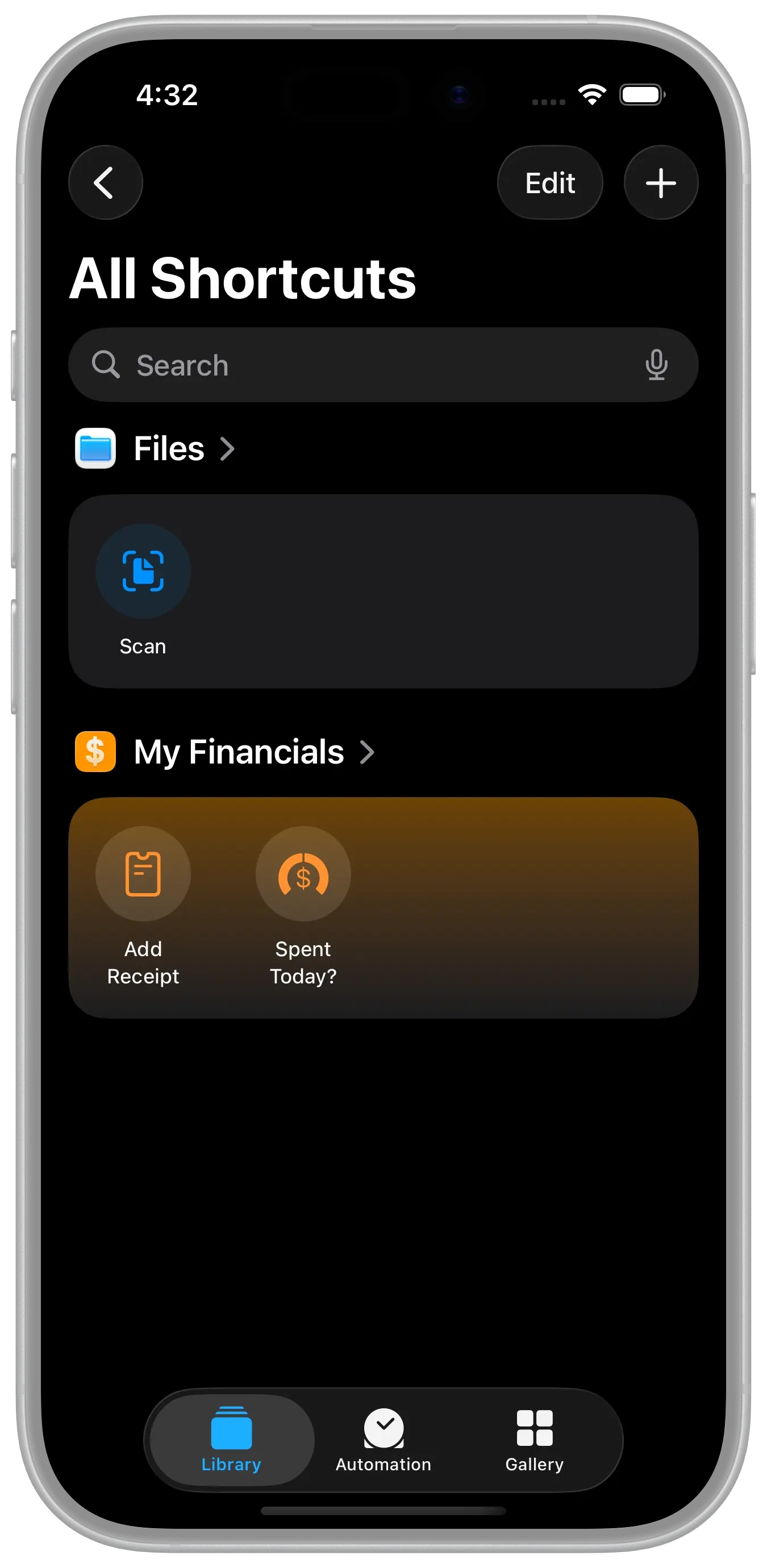
To get started with Receipts, either configure the Apple Shortcut as discussed in this article or use Siri to dictate them using the expressions described in this article, or both.
Badge
When the application receives a receipt it will show the count on the application icon as a badge. This count is kept accurate on a best effort basis as the application itself is not always running and receipts can be entered in applications running on other devices as well. The application will eventually synchronize and the count will become accurate. To ensure the count is as accurate as it can be at all times, please ensure that Check Background App Refresh is enabled on your device. Go to Settings > General > Background App Refresh and ensure it is ON for My Financials.